
A claim chronology skill file is a reusable instruction file that captures, once, exactly how a claims team builds a chronology: de-identified inputs only, every entry tagged to a source document, fact separated from assertion and medical opinion, gaps and conflicts flagged for the case manager, and no view on liability, ever. Instead of re-explaining that standard in every chat, the team installs the file once, and every chronology after that starts at the standard.
Part 5 of The Skill File Series: ten reusable AI skills for Australian professional teams, two for every domain we cover. This is the workers compensation foundation article. Its advanced sibling, the determination evidence-check skill file, publishes on 7 August 2026, and both build on the workspace foundations in LM-S01: Set Up Your AI Command Centre.
Context for general readers: Workers compensation under the Safety, Rehabilitation and Compensation Act 1988 (SRC Act) is the Commonwealth scheme administered by Comcare. A claim chronology is the ordered record of events on a claim file, built from documents such as incident reports, medical certificates and correspondence. Claims teams handle highly sensitive personal information, which is why de-identification sits at the centre of this article.
Why is the chronology the right first skill file for claims work?
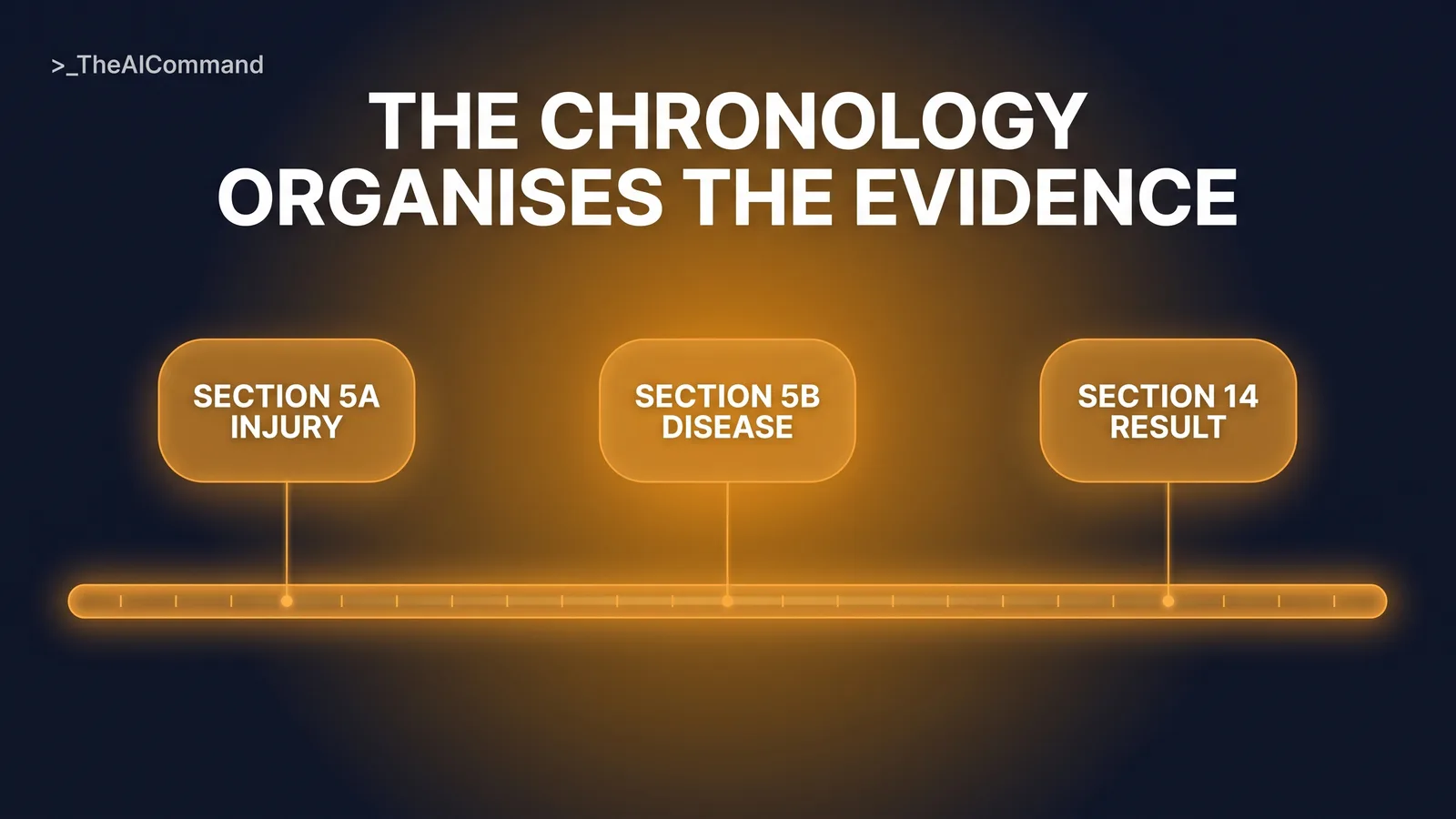
The chronology is the workhorse document of claims practice, and it is exactly the kind of repeatable, structured task a standing instruction file does well. It also sits close to the statutory questions without touching the decision. Under section 14(1) of the SRC Act: "Subject to this Part, Comcare is liable to pay compensation in accordance with this Act in respect of an injury suffered by an employee if the injury results in death, incapacity for work, or impairment." Whether there is an injury within section 5A, whether a disease was contributed to, to a significant degree, by employment under section 5B (where "significant degree means a degree that is substantially more than material"), and whether the exclusion for a condition "suffered as a result of reasonable administrative action taken in a reasonable manner in respect of the employee's employment" arises, all turn on sequences of events and the documents that evidence them.
The chronology is how that evidence gets organised. Organising it is structured work an AI can support. Weighing it is not. Liability is determined by the authorised decision maker, and nothing in this skill file goes near that line.
What is a skill file, and why does it beat re-prompting?
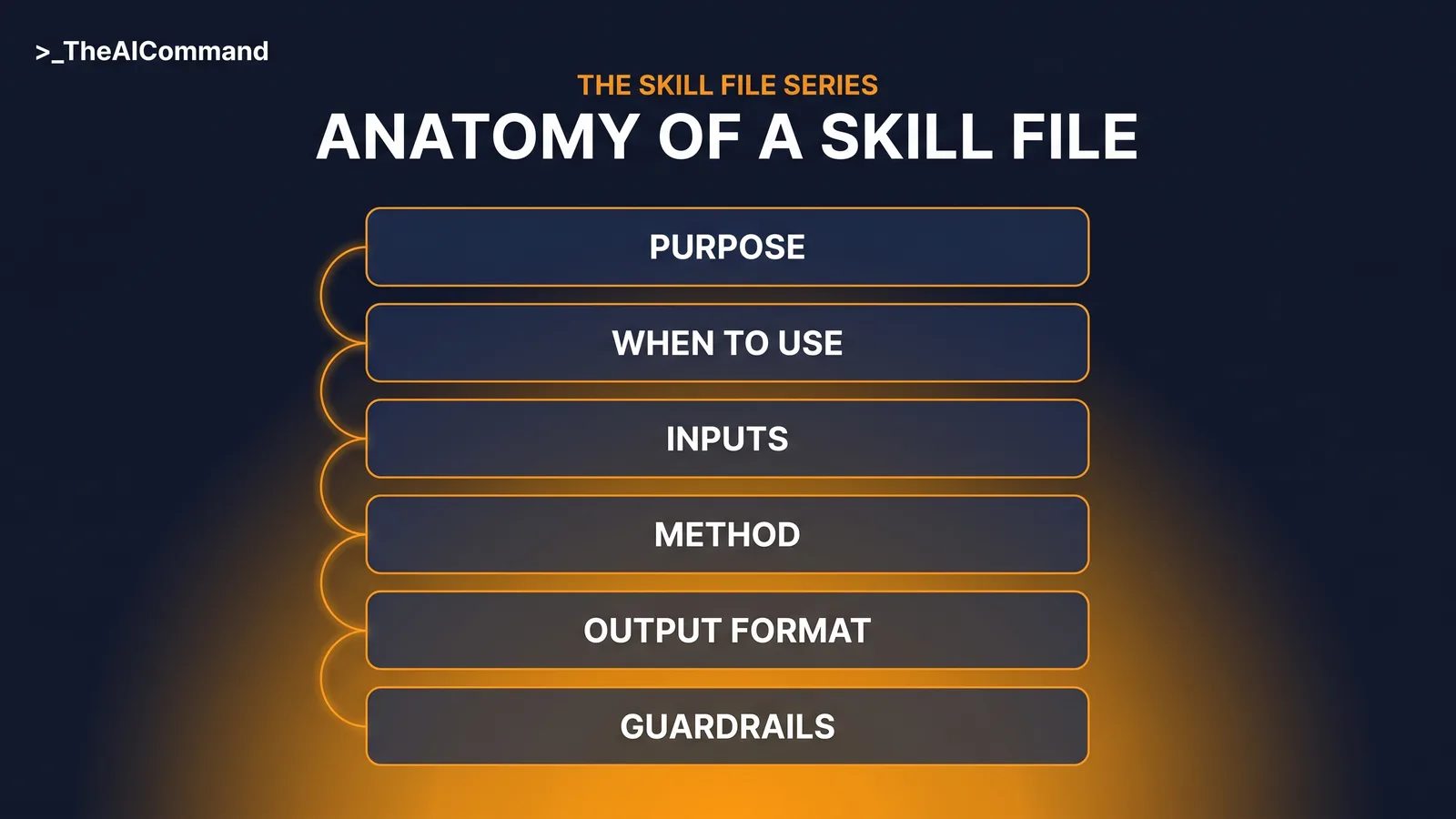
A skill file is a short markdown instruction file a team writes once and reuses. It states what the task produces, when to use it, what inputs it needs, the method step by step, the output format, and the guardrails. It is platform neutral: the same file works as ChatGPT project instructions, as a Claude skill or project, and, with light adaptation, in Microsoft Copilot.
Many claims teams already run a prompt library with human review. A skill file is the next step. A prompt library is a box of tools the user must pick from, paste and adapt each time. A skill file is a standing instruction set the assistant applies every time the task appears. The library still earns its place for one-off tasks. For the chronology, a task the team runs the same way every week, the standard belongs in a file, and the de-identification rules belong inside that file where they cannot be forgotten.
The six-part anatomy
Every skill in this series uses the same six-part anatomy. Purpose states what the skill produces and for whom. When to use sets the triggers and the exclusions. Inputs required lists what the user supplies, as placeholder fields. Method gives the numbered steps the AI follows. Output format fixes the structure of the deliverable. Guardrails states what the skill must never do, when it must stop and escalate, and what verification is required.
For claims work, the guardrails section carries the most weight. It is where de-identification stops being a habit that lives in people's memories and becomes an instruction the assistant enforces on every single run.
The complete claim chronology skill file
Copy this file, adapt the document labels to your own claim file types, and it is ready to install.
Worked example: the same task, with and without the skill
Before the skill: a case manager preparing a file review pastes a stack of claim documents into a chat and asks for a summary. The output reads smoothly, blends a supervisor's assertion with the GP's opinion as though both were established fact, cites no sources, and quietly skips a gap in the certificate coverage. Worse, the paste itself carried identifiers into a tool nobody had approved for claim material.
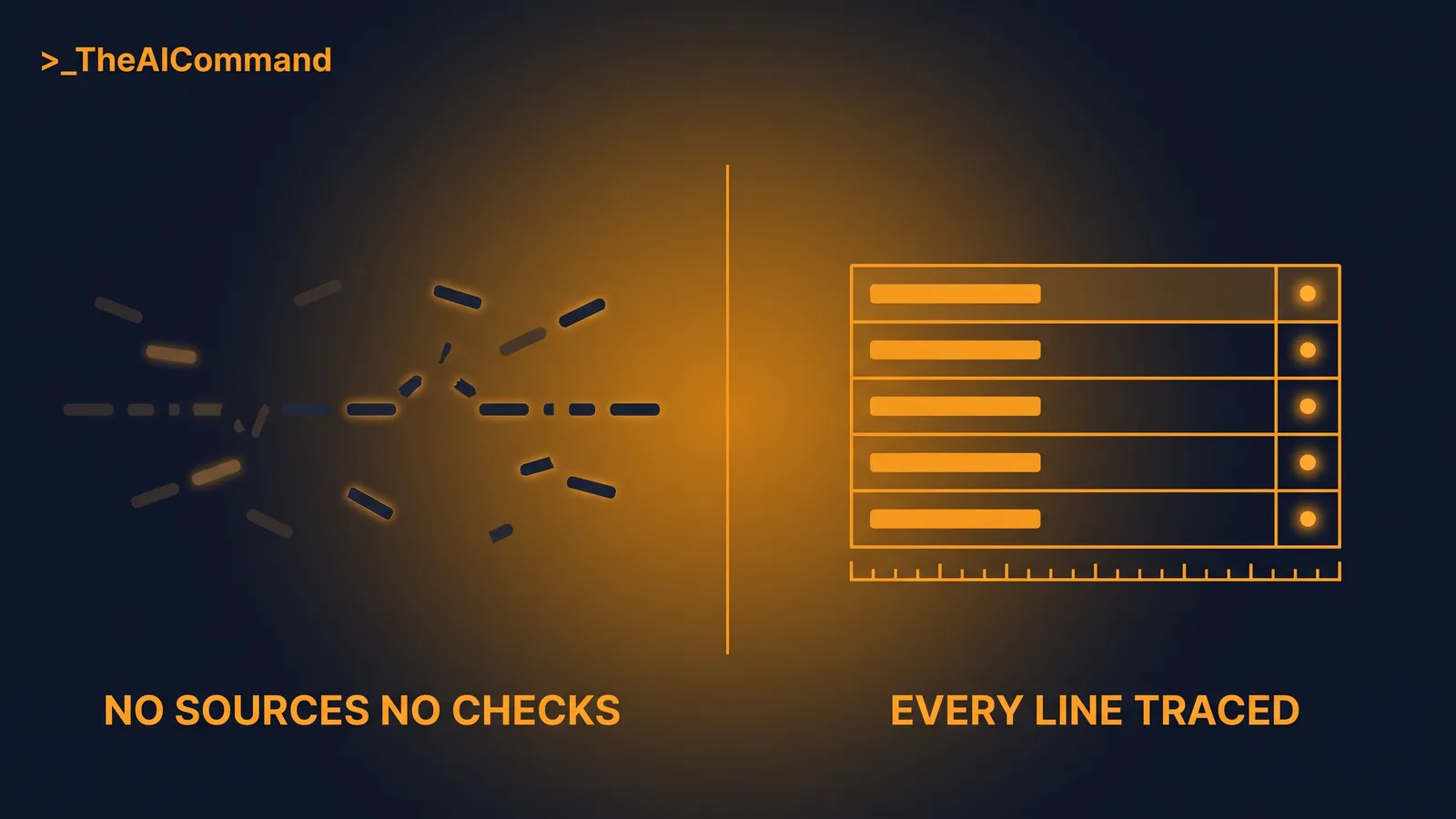
After the skill, on wholly fictional facts: the material is de-identified first. [CLAIMANT_NAME], claim [CLAIM_NUMBER], date of birth [DATE_OF_BIRTH], reports a shoulder condition. Four labelled documents go in: DOC-01 incident report, DOC-02 GP certificate, DOC-03 supervisor email, DOC-04 physiotherapy notes. The skill returns a chronology table where every entry carries its source label and its type. It flags that DOC-03 refers to symptoms on [DATE_1], before the incident recorded in DOC-01 on [DATE_2], as a conflict to check against the sources, not a conclusion. It lists a certificate gap between [DATE_4] and [DATE_5]. It offers no view on what any of this means for liability, because the file forbids it. The case manager verifies each entry against the documents and works the flagged items.
Guardrails: de-identification built in, not bolted on
The privacy discipline is not new. Building it into the file is. The OAIC's guidance on APP 11 security of personal information describes reasonable steps to protect personal information, including technical and organisational measures. In claims practice, de-identification means more than removing a name. Claim numbers, exact dates, provider names, unusual role details and combinations of facts can still identify a person, which is why the file requires placeholders such as [CLAIMANT_NAME], [CLAIM_NUMBER] and [DATE_OF_BIRTH], with date tokens or offsets for the timeline.
Three design choices in the guardrails matter most. First, the stop-and-ask rule: if apparent real identifiers appear in the input, the assistant stops and asks for de-identified material rather than proceeding. Second, the ban on liability language: the skill never states, suggests or implies a view on liability or outcome, and it uses deterministic, neutral phrasing throughout. Third, draft-only status: the case manager verifies every output against the source documents before it enters the file record, the same human review discipline that governs prompt libraries. For the wider practice context, including determination-drafting project spaces, see LM-W01: AI for SRC Act Claims Practice. This file is deliberately narrower: one artefact, one task, guardrails inside.
Build it with the five-prompt chain
The file above is a strong default, but the version your team will trust is the one built from your own practice. The five prompts below take about an hour end to end. Run them in one chat, in order.
Prompt 1, the interview:
Prompt 2, the draft:
Prompt 3, the test:
Prompt 4, the refine:
Prompt 5, the maintain:
Install it in ChatGPT, Claude or Copilot
Both major vendors now ship a native Skills feature built on the same convention this series teaches: a folder with a SKILL.md file, loaded only when the request matches. Install the file natively where your plan supports Skills, and run it as project instructions plus knowledge files everywhere else.
The ChatGPT path: ChatGPT's Skills feature, reusable and shareable workflows packaged as a folder with a SKILL.md manifest, is generally available on Business, Enterprise, Healthcare and Edu plans, where skills can be created in chat, in the Skills editor, or uploaded. On individual plans, use a project. Projects are available on every plan including Free, and each project takes its own project instructions, which override account-level custom instructions inside that project. Paste the skill file into the project instructions, and upload supporting reference material as project files (5 on Free, 25 on Go and Plus, 40 on Pro, Business, Enterprise and Edu), noting that ChatGPT treats project files as retrieval-based reference material rather than guaranteed full reads, so the instructions field is the reliable home for the method and guardrails. New projects can be set to project-only memory, a sensible default for claims work.
The Claude path: a Claude skill is a folder with a SKILL.md file, YAML frontmatter carrying a name and description, with the instructions below. Claude reads only the name and description up front and loads the full instructions when a request matches, so write the description to say what the skill does and when to use it. The same format works across the Claude apps, Claude Cowork, Claude Code and the API, installed separately on each surface. In the Claude apps, enable Code execution and file creation under Settings, Capabilities, then upload the skill folder as a ZIP via Customize, Skills. Skills are available across Claude plans, including Free per the Claude help centre, with code execution enabled, and on Team and Enterprise plans an organisation owner can provision the skill for the whole workspace. Projects, on every plan and capped at five on Free, with a per-project instructions field and knowledge uploads, remain the fallback.
If your organisation runs Microsoft 365 Copilot instead, the same file adapts directly: paste its contents into an agent's Instructions field in Agent Builder, which caps at 8,000 characters, noting Copilot's uploaded knowledge accepts .txt and .docx but not .md.
The bottom line
The chronology is repeatable, structured and evidence-bound, which makes it the right first skill file for a claims team. The value is not only speed. It is that the team's de-identification standard, source-tagging discipline and ban on liability language stop depending on memory and start travelling inside the file itself. The AI organises the record. The case manager verifies it. The authorised decision maker decides.
Do this Monday
Book thirty minutes with one experienced case manager. Run Prompt 1 in your approved AI tool and capture how your team actually builds chronologies. Draft the file with Prompt 2, then write a wholly fictional test claim, never a real one, even de-identified, and run Prompt 3. Fix what the test exposes with Prompt 4, name an owner for the file, and diarise the Prompt 5 review for next quarter.
Take it with you
The blank template and the five build prompts, ready for your team's next skill.
The five prompts, by name: Interview captures how your team runs the task today. Draft turns the answers into a six-part skill file. Test stress-tests it against a wholly fictional matter. Refine fixes what the test exposed. Maintain keeps the file current on a scheduled review.
The Skill File Series
Ten parts, two per domain, publishing 27 July to 7 August 2026. Links go live as each part publishes.
- Part 1: The decision memo skill file (Leadership)
- Part 2: The policy-grounded HR query skill file (HR)
- Part 3: The reg-change impact assessment skill file (GRC)
- Part 4: The safety comms skill file (WHS)
- Part 5: The claim chronology skill file (Workers Compensation), this article
- Part 6: Team skill library governance (Leadership)
- Part 7: The investigation chronology skill file (HR)
- Part 8: Skill files as controlled documents (GRC)
- Part 9: The incident notification triage skill file (WHS)
- Part 10: The determination evidence-check skill file (Workers Compensation)
Content disclaimer: This article is for general educational and informational purposes only. It does not constitute legal, compliance, claims, or professional advice, and it is not a determination under the Safety, Rehabilitation and Compensation Act 1988 (SRC Act). The SRC Act 1988 should always be consulted directly. Workers compensation decisions must be made by authorised individuals using current legislation, policy, evidence and delegation requirements.
TheAICommand. Intelligence, At Your Command.