What are Google Preferred Sources?
A Google Search setting that lets you pick the sites you rely on. Google highlights your picks in Top stories, and in AI Overviews and AI Mode where it offers them.
How do I add TheAICommand?
Quickest route: open your Google source preferences (opens in a new tab) with our site already searched, then tick its box.
The steps are the same on a computer, Android, iPhone and iPad. Or go to your profile picture, then Search personalisation, then Source preferences.
- Select the star beside Top stories. Search any news topic on google.com or in the Google app, then select the star beside Top stories.

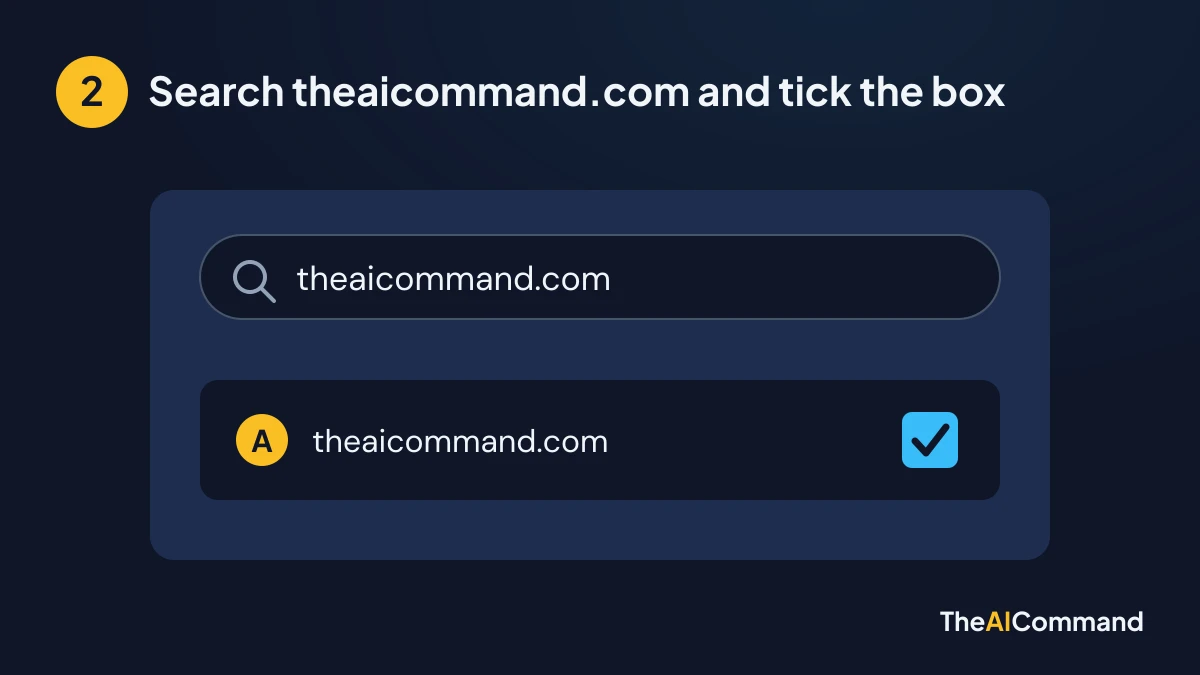
- Search theaicommand.com and tick the box. Search theaicommand.com in the panel that opens and tick its box.
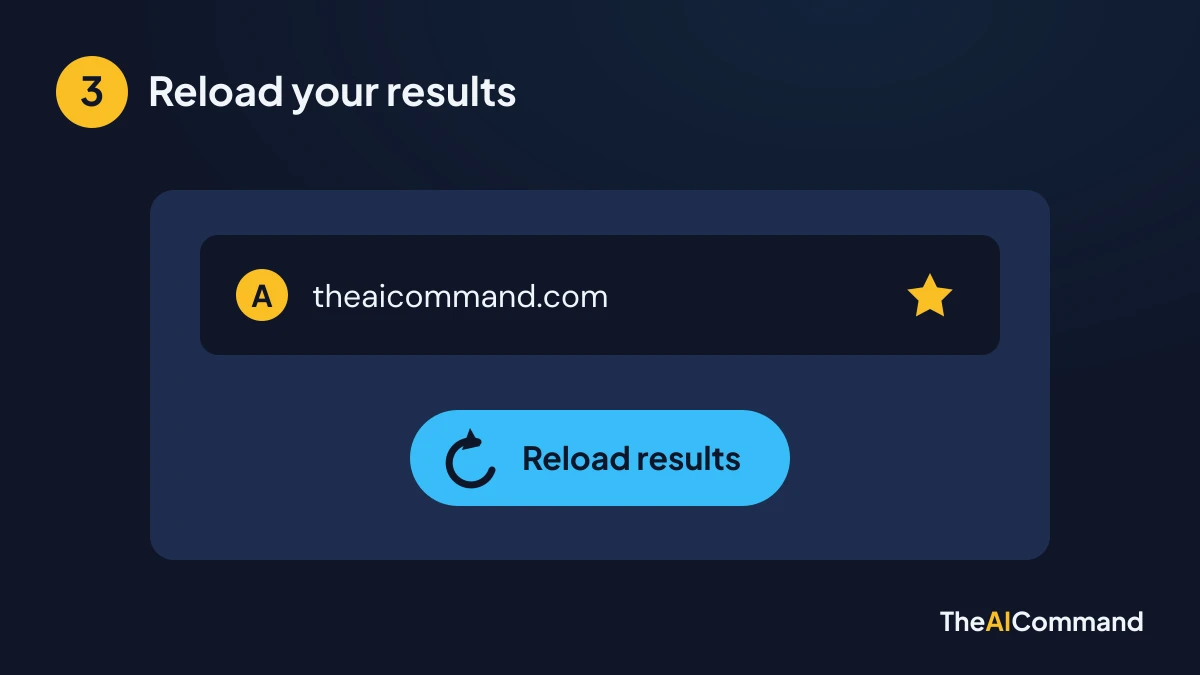
- Reload your results. Select Reload results. Your choice is saved to your Google preferences.
Does it cost anything?
No. It is a setting in your Google Search preferences, with no payment step and nothing to subscribe to.
Can I undo it?
Yes. Select the star beside Top stories again, or open Source preferences, and untick theaicommand.com.