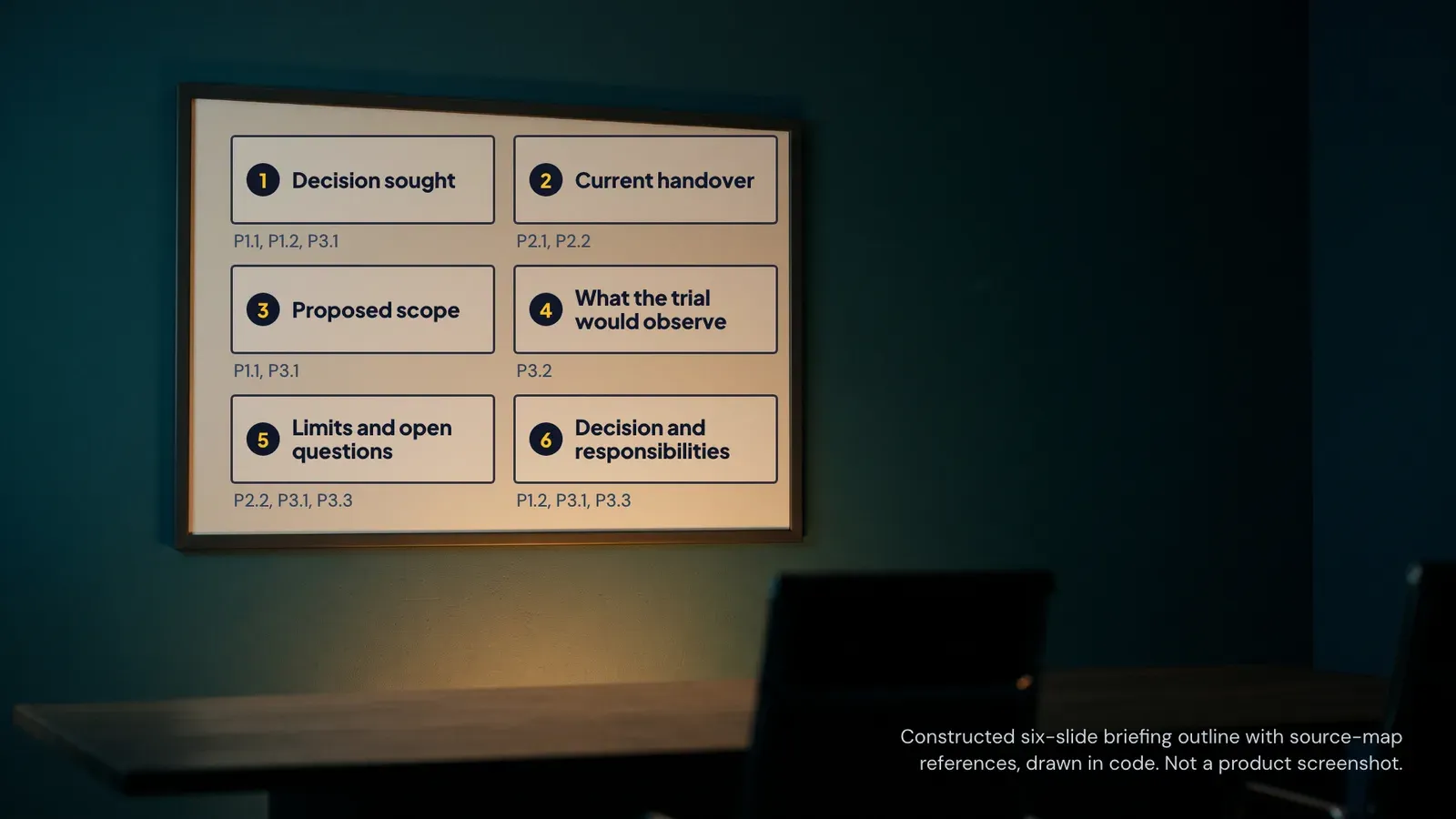
A colleague remembers a useful explanation from a video, but not which video. The saved notes say to improve accessibility, introduce better checks and review the result. None identifies the original example. Preparing next month's learning activity now means watching the same material again, hoping to recognise the relevant moment.
A video learning notebook can make that return trip shorter. Its useful unit is a small note connected to a source, a location and a proposed use. The aim is not to collect everything the presenter said. It is to preserve enough context for someone else to check a lesson before applying it to work.
Start with one practical question. For the worked example here, a fictional private-sector learning team wants to improve the review of short induction videos and the forms used to book training. The team has no employee records in its notebook. Its task is to prepare two modest review activities, not to certify that its learning environment meets an accessibility standard.
Select sources for the question you have
Choose videos whose publisher, subject and intended audience are identifiable. Open the original page before importing anything. Record the title, publisher, URL, language and version. A short standard video and an extended audio-described version may teach the same lesson while placing it at different times. Their timestamps are not interchangeable.
The example uses two public educational videos from the World Wide Web Consortium's Web Accessibility Initiative, abbreviated here as W3C WAI. They are Keyboard Compatibility and Video Captions. Each publisher page includes a transcript describing the visuals as well as the spoken material. They provide an identifiable basis for a small learning exercise.
These are introductory sources. Their role in this notebook is to prompt questions about a training workflow. They do not establish that a particular employer has met a legal duty, that an individual has demonstrated competence, or that a software product has passed an accessibility assessment. Those conclusions would require different evidence and appropriate review.
Keep the selection small enough to inspect. Two sources that answer the work question are a more manageable starting point than a large playlist that nobody has screened. This is a suggested working constraint, not a claim about an optimal number of videos. Expand the notebook when a new source resolves a specific gap.
Know what has entered the notebook
A video URL is not proof that an assistant has inspected the pictures, sound and context. Google's Gemini Notebook help (the product was called NotebookLM until Google renamed it on 16 July 2026) states that only public YouTube videos with captions are supported and that only the text transcript of the video is imported as a source. Its web URL import also excludes embedded videos. These are documented product behaviours, not results from a signed-in product test in this article. Gemini Notebook source-import help.
That distinction changes the task you can safely assign. If a presenter points to an unspoken diagram, transcript-only notes may not contain the explanation needed to interpret it. Put a visible-content question into the review queue rather than asking the model to complete the missing material. A plausible description of an unseen diagram is still unsupported.
Use a document or spreadsheet as the source log even if an AI notebook is available. The log can travel with the learning activity and remain readable without a particular product account. Give each video a short ID, then record which material was inspected: publisher transcript, caption track, original video moment or an authorised excerpt supplied by a reviewer.
When the transcript is unavailable, write that plainly. Do not invent a transcript from a title, description or another person's notes. The next action may be to inspect the video manually, choose another accessible source, or leave that lesson out. A missing transcript does not become complete because a summary sounds convincing.
Make timestamps checkable
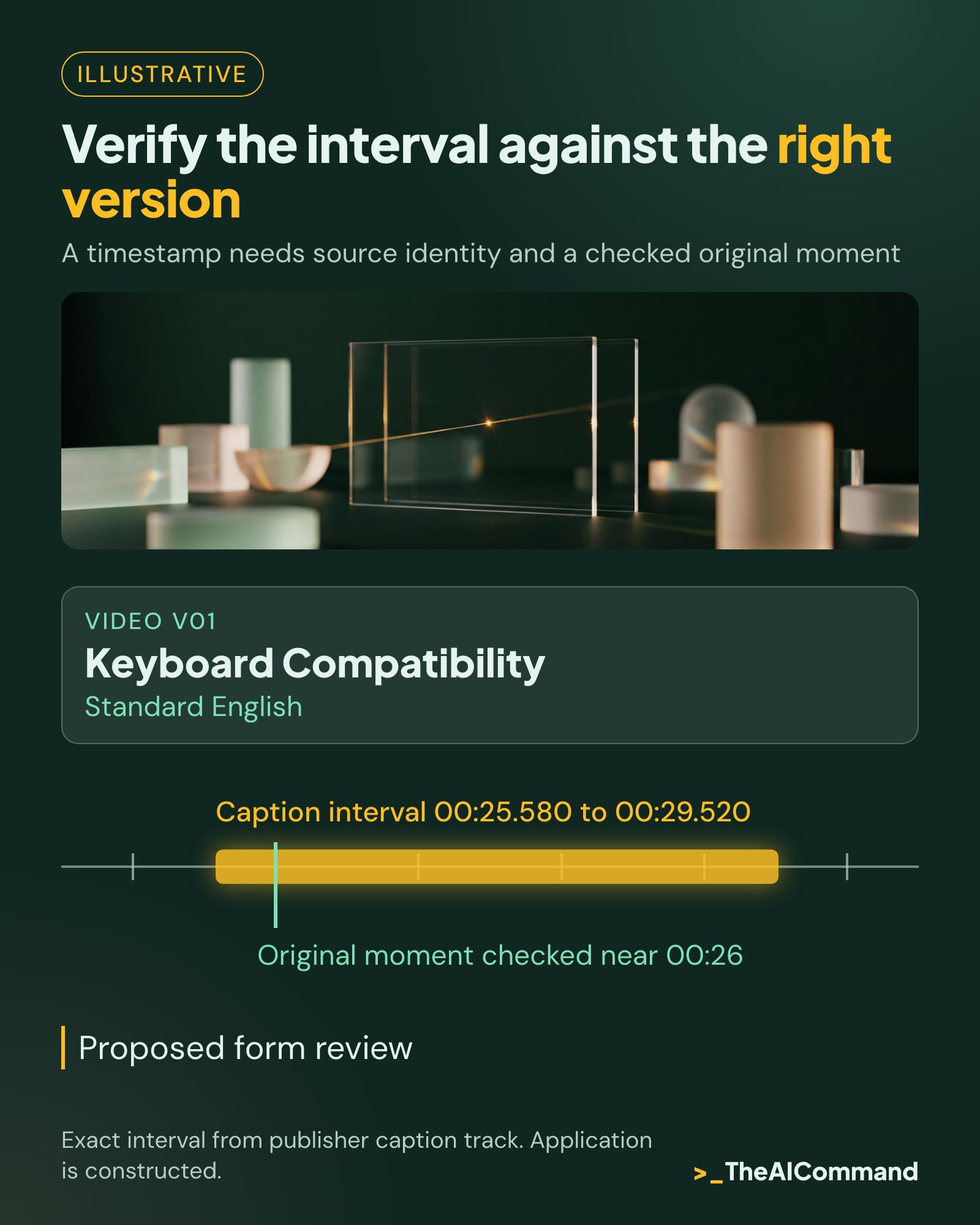
Record an interval rather than an isolated second when the explanation spans several sentences. Keep its source version beside it. A note about a standard English video should point to that version, not to a translated upload or an audio-described edition with additional narration. If the version changes, repeat the location check.
The original English caption file for Keyboard Compatibility places its keyboard-operability statement between 00:25.580 and 00:29.520. The corresponding source moment and displayed caption were inspected in the original embedded player near 00:26. The Video Captions file places its noisy-environment example between 00:25.300 and 00:30.160; the corresponding moment was inspected near 00:27. Keyboard caption track, video-caption track.
Those intervals come from publisher caption timing. They are not invented model timestamps. The checks establish where the selected material appears in these versions. They do not certify every caption's accuracy or every assertion in either video. The notebook records both the evidence obtained and the limits of the check.
A player may display whole seconds while its caption file uses milliseconds. A seek control can also update before the displayed playback clock settles. Preserve the original interval in the log, and use a practical nearby playback point for review. Do not change the evidence interval merely to make two interface displays look identical.
Build the worked example one note at a time
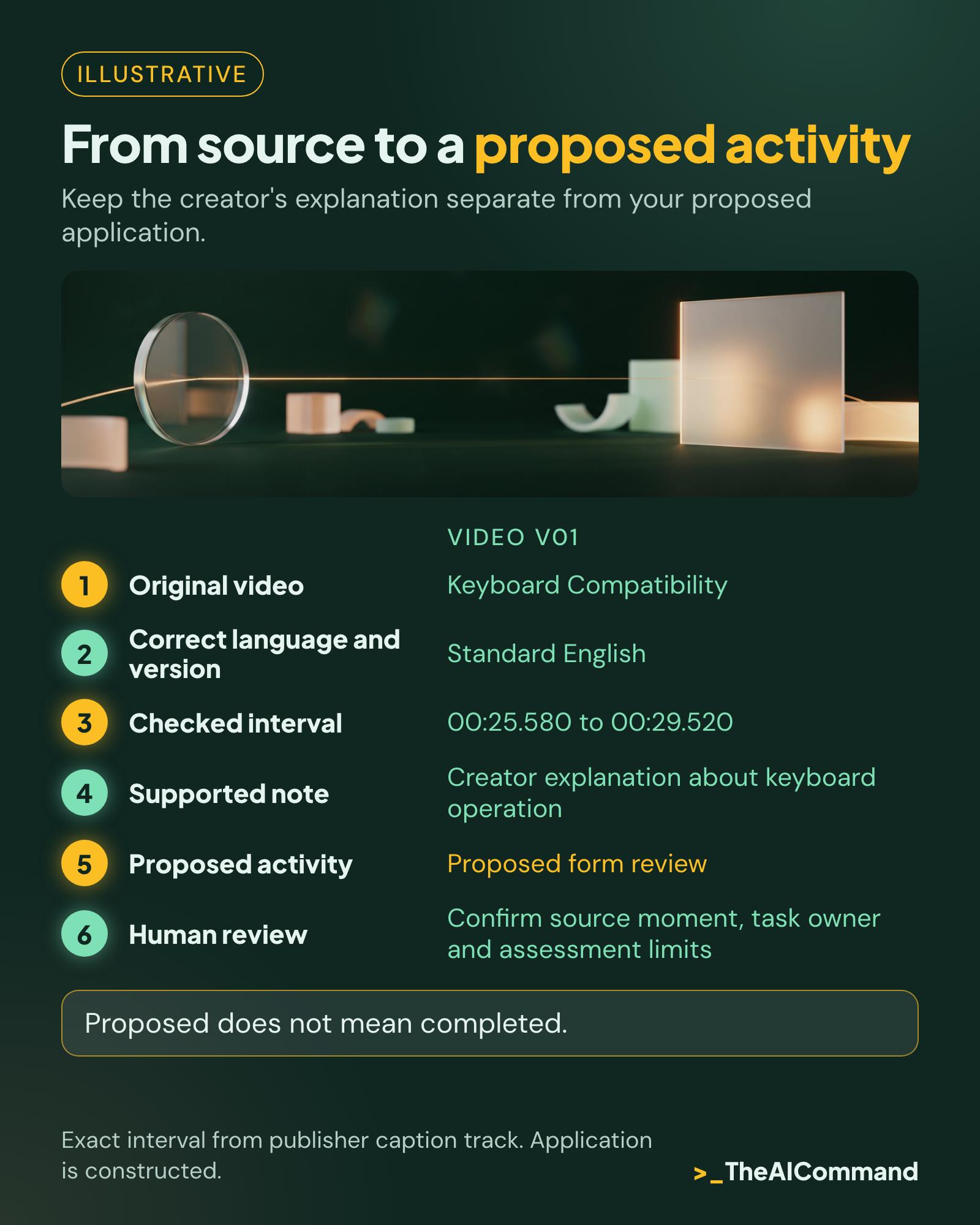
The fictional learning coordinator gives the first video the ID V01 and the second V02. The source entries contain the publisher pages, standard English versions and the checked intervals above. The coordinator then writes a brief paraphrase for each entry, with a separate field for the proposed workplace activity.
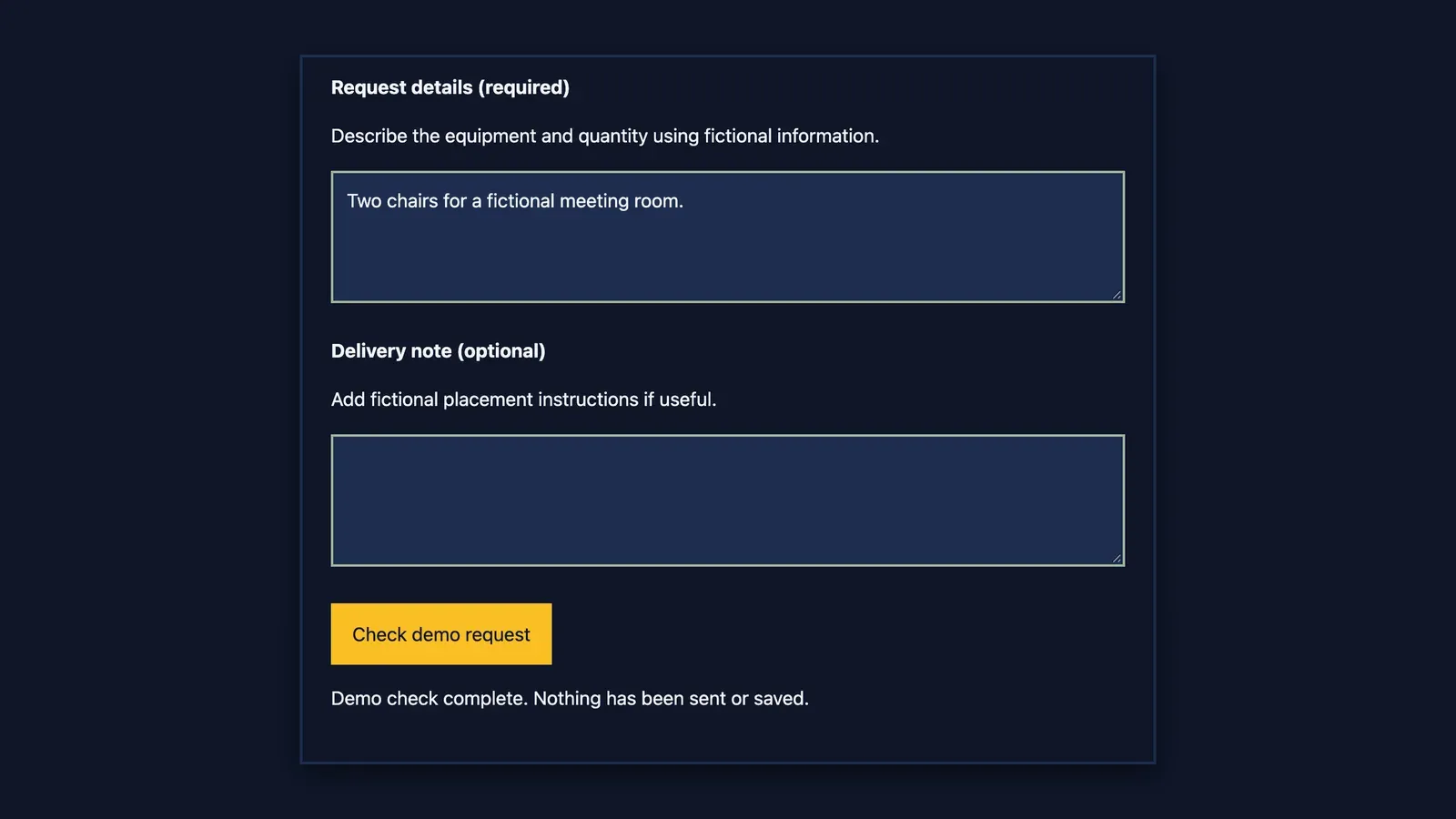
For V01, the note records that the source explains keyboard operation. The proposed activity is to ask an appropriate reviewer to examine the training-booking form using a keyboard. That activity is the learning team's suggestion. It is not presented as a test prescribed by the video, nor as evidence that the form already works.
For V02, the note records the source's example of captions helping in a noisy setting. The proposed activity is to review one authorised induction clip with its captions displayed. The reviewer records unclear terms, missing information and questions requiring specialist input. No percentage improvement or learner outcome is attached to the example, because none has been measured.
The team also receives a rough note saying that captions improve learning for every employee. The supplied source interval does not establish that universal outcome. The model's permitted response is to mark the statement unsupported and retain the narrower source description. It must not search for a convincing percentage or silently turn an illustrative scene into research evidence.
The resulting notebook has two source-linked notes, two proposed activities and one rejected overstatement. These notebook entries are constructed examples. The source pages, caption intervals and browser observations are actual research inputs. Keeping that distinction visible lets the reader reuse the method without mistaking the fictional team's work for a completed workplace trial.
Give AI a bounded organisation task
Supply the source log and short notes that you are entitled to use. Ask the model to organise those records into a learning table while preserving source IDs and intervals exactly. The output should separate the source description, the team's interpretation, the proposed activity and any unresolved question. An unknown needs its own place to remain visible.
Tell the model what it must exclude. This example needs no employee names, individual learning difficulties, customer information or confidential training materials. It also needs no instruction to log into an account, share a notebook or send a message. Those actions do not follow from permission to organise a set of public learning notes.
A useful prompt asks for the smallest supported paraphrase and forbids new timestamps. It should also require a warning if two records refer to different versions of a video. The reviewer can then correct the source log or split the entries. Asking the assistant to resolve the discrepancy from general knowledge would hide the issue.
Inspect the actual output before using it. Confirm that V01 has not become V02, that the interval still belongs to the named video, and that a proposed activity has not been rewritten as a completed action. These checks are specific enough to perform on every row. A broad instruction to verify everything gives the reviewer less practical help.
Keep the source and your reasoning apart
Use explicit labels for different kinds of statement. A creator explanation records what the source says. A demonstration records what is shown. An interpretation expresses the notebook author's reasoning. A proposed application describes something a team might try. Independent evidence requires a separately identified source that supports the relevant claim.
These labels matter when notes are later reused in a briefing. A visual demonstration may make an issue understandable without establishing how frequently it occurs. A vendor's tutorial may accurately explain its own feature without proving that the feature is the best choice for a workplace. Preserve the source's role instead of promoting it through repeated summaries.
When two sources appear to disagree, return to the precise passages. They may address different versions, audiences or tasks. Record the apparent difference and what remains unresolved. Do not ask the model to merge the statements into a single confident rule merely because a tidy notebook would be easier to present.
Keep quotations short and attributed. Paraphrases should retain the source's scope without copying its full transcript. For the W3C examples, linking to the original pages gives readers access to the full materials. W3C's reuse guidance sets conditions for reusing its videos and other resources, so check those conditions before distributing copies. WAI material permissions.
Turn the lesson into a reviewable activity
A learning note becomes practical when it identifies the work artefact, the person responsible for review and the evidence expected afterwards. In this example, the artefacts are a training-booking form and an authorised induction clip. The activity remains narrow enough that a coordinator can see whether a review happened and what questions it raised.
Specify the expected record before starting. For the form review, ask for the steps attempted, the point of difficulty and the context needed to reproduce it. For the clip review, ask for the time interval, the caption issue and the wording requiring confirmation. These are suggested recording fields, not a substitute for specialist assessment.
Separate completion from usefulness. Watching both videos completes the selected viewing activity. It does not show that someone can review a form or produce reliable captions. The team needs a work sample and feedback appropriate to the task. If no application has taken place, the notebook status remains proposed rather than evaluated.
Discuss the result with the people who own the relevant workflow. A learning coordinator may organise the material while a different role owns the website, the training content or accessibility review. The notebook can make that handover clearer by recording the question and evidence. It does not transfer decision authority to the assistant or the note-taker.
Leave a usable record for the next reader
Before handing over the notebook, ask another person to open one source entry and find the recorded moment. They should be able to explain which sentence comes from the source and which action the team proposed. If they need the author's memory to complete either step, improve the entry before adding more videos.
Record when the sources were checked and what would trigger another check. A replaced video, changed product instructions or a planned public training session may justify reopening the original material. Keep earlier notes identifiable so that a corrected interval does not leave an old briefing pointing to the wrong version.
Begin with one work question, two suitable sources and a small application plan. Make the first notebook easy to inspect. The useful result is a traceable lesson that someone can assess and apply with appropriate judgement. Once that record works for another reader, the same structure can support a larger learning collection.
Copyable source log
The workplace activities are constructed, and the workflow does not certify accessibility, legal compliance or individual competence. The full prompt and blank template follow below.
Reusable video-learning notebook
Constructed workflow using two public W3C WAI educational sources. No account import or model-output test was performed.
Blank source log
Ready-to-use organisation prompt
Constructed sample input
- V01: W3C WAI, Keyboard Compatibility, standard English, https://www.w3.org/WAI/perspective-videos/keyboard/, cue 00:25.580 to 00:29.520. Source description: keyboard operation. Proposed use: request an appropriate review of the training-booking form.
- V02: W3C WAI, Video Captions, standard English, https://www.w3.org/WAI/perspective-videos/captions/, cue 00:25.300 to 00:30.160. Source description: captions in a noisy setting. Proposed use: review an authorised induction clip.
- Rough extra note: captions improve learning for every employee. No supporting study or interval supplied.
Expected output shape, editorial example rather than a recorded model run
Human review and reuse checklist
- Reopen the correct original language/version and inspect the recorded moment.
- Confirm caption source, interval and the actual source claim.
- Keep proposed actions distinct from observations and completed activities.
- Record unresolved issues, owner and next review.
- Ask a new reader to locate one source without the author's help.
- Use links and brief paraphrases; do not reproduce full transcripts.
- Confirm reuse conditions before copying or distributing original media.
Related reading
Four Steps to Verify a Citation Your AI Gave You covers checking whether a source supports a claim. This notebook adds video-version tracking, timestamp checks and a practical application record.
Also see Which Learning Needs Belong in Next Month's Training Calendar?, the companion article for 21 November.
References
- W3C WAI: Keyboard Compatibility
- W3C WAI: Video Captions
- Google: Gemini Notebook Help, add or discover new sources
- W3C WAI: Keyboard Compatibility, caption track (WebVTT)
- W3C WAI: Video Captions, caption track (WebVTT)
- W3C WAI: Using WAI material, permission to use with attribution
- Google: NotebookLM is now Gemini Notebook (16 July 2026)
General information only. Not legal, compliance, financial, or professional advice.
TheAICommand. Intelligence, At Your Command.