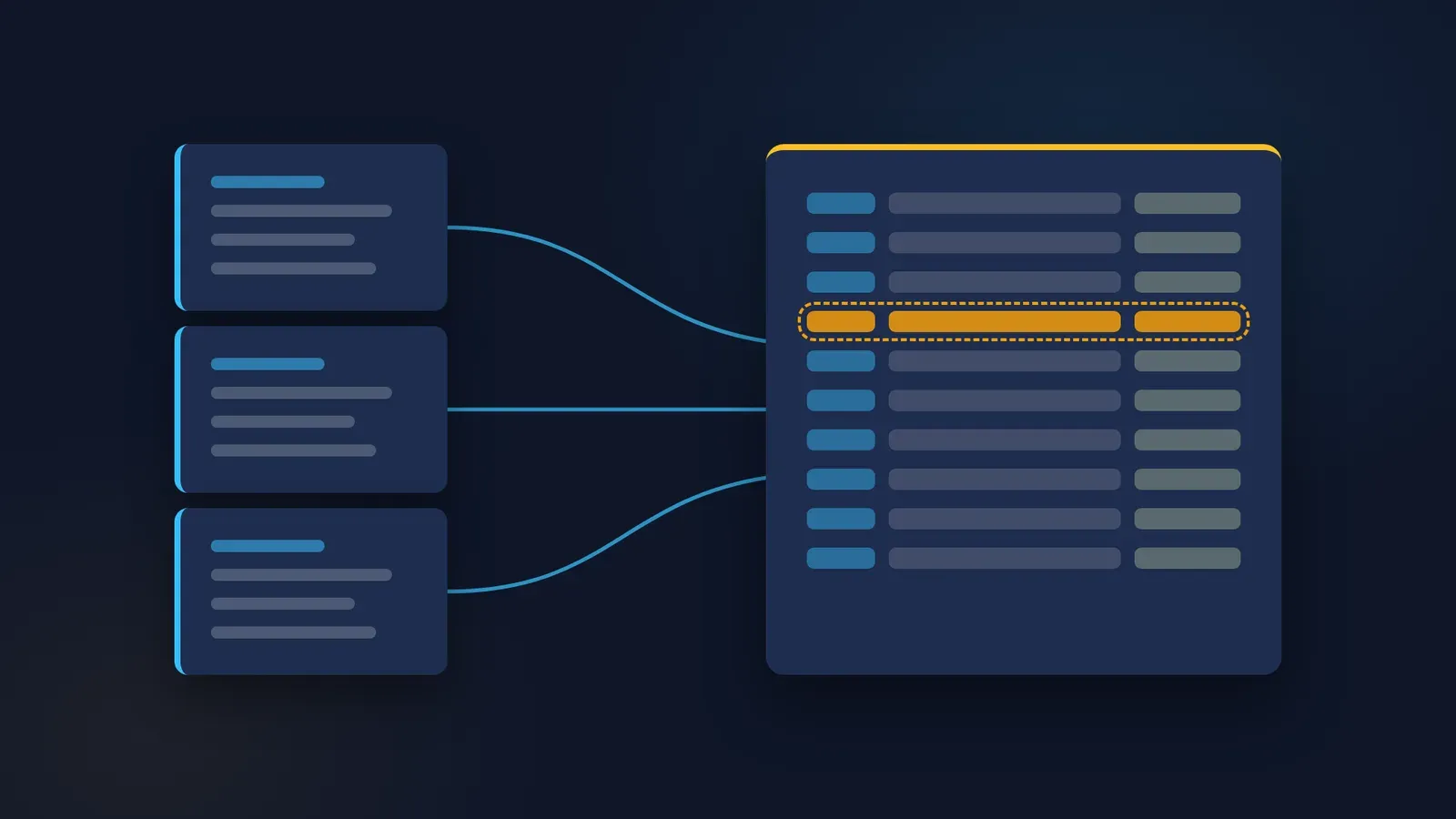
A noise report arrives with recommendations across several pages. Someone needs to keep track of the follow-up, but the first request to an AI coding tool becomes ambitious: build a dashboard, assign actions, send reminders and decide what is overdue. Each addition creates another behaviour to understand. The original problem disappears under features that have never been checked.
For a first Codex project in the ChatGPT desktop app, reduce that request to a small demonstration register. Give it invented recommendations and a narrow purpose: help a person see what requires follow-up. Keep technical safety judgements with a competent practitioner. The lesson is how to commission and inspect a modest software artefact, using a workplace task that makes errors easy to recognise.
Everything in the worked example below is constructed. The records, proposed interface and expected results were written to teach the method. No register was built or tested for this article. Treat the acceptance cases as a plan for your own exercise, not as evidence that a particular implementation already works.
Specify what the register is allowed to mean
Choose a fictional NSW workshop with three recommendations in a synthetic report. One asks for a maintenance review of a noisy enclosure. Another asks for a competent person to review the next assessment step. The third asks for a discussion with affected workers about proposed controls. None contains a measured exposure value or an individual's hearing result.
The register tracks administrative follow-up. It does not decide whether a control is adequate, whether work may continue or whether a legal requirement has been met. Give its states operational names such as "Open", "In progress" and "Ready for review". Avoid a button labelled "Safe". A software status cannot establish the effectiveness of a noise control.
SafeWork NSW's guidance distinguishes implementing controls from maintaining and reviewing them. That supports preserving review evidence in the workflow. It does not endorse this particular register or make its fields a statutory template. The national model code is useful background; NSW readers need the applicable NSW material. Other readers must check their own jurisdiction. SafeWork NSW: controlling hazardous noise.
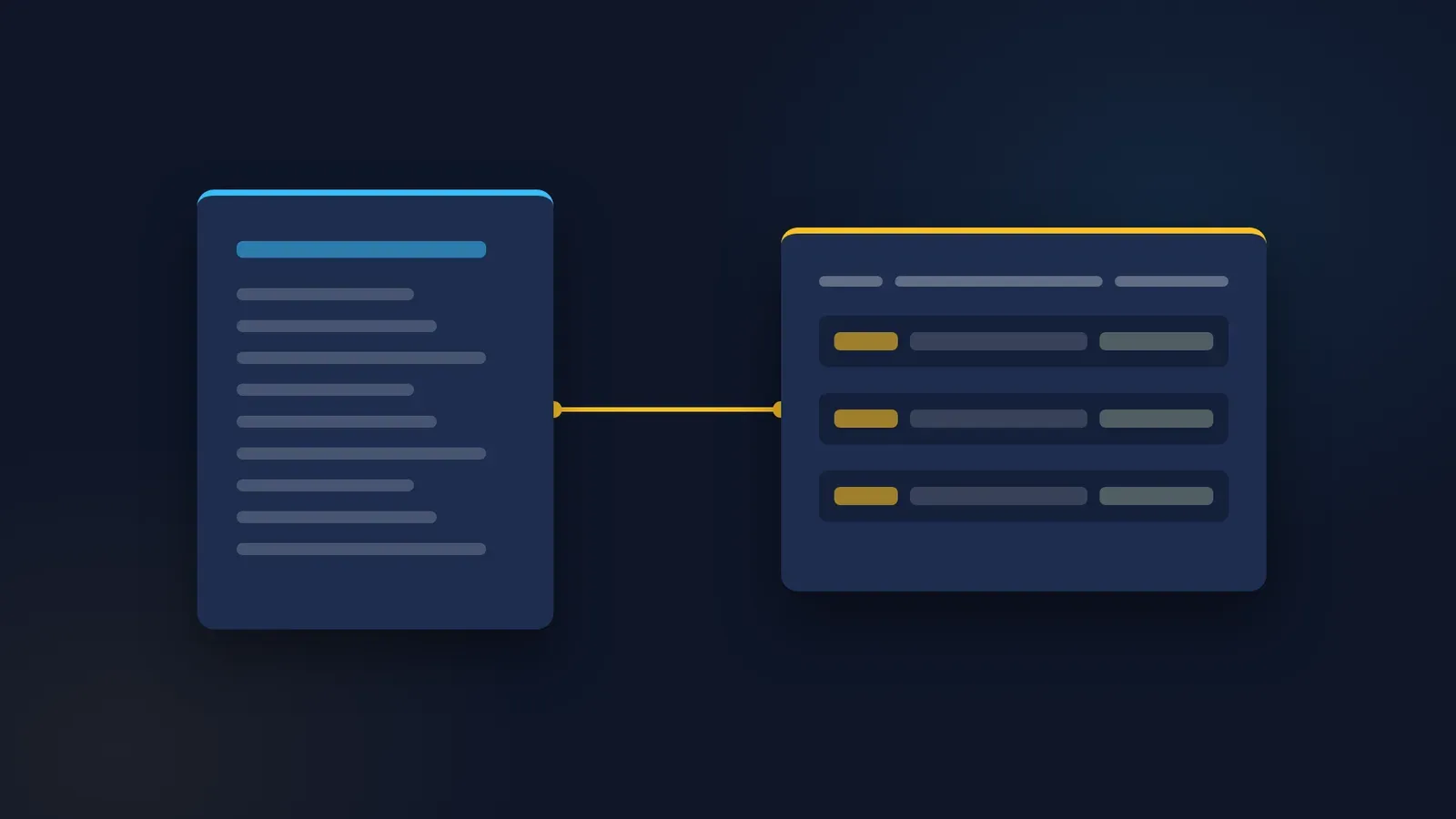
The smallest useful result is a local demonstration page with three records, a status filter and an export. A supplied reference date lets the example show how an outstanding item might be flagged. There is no login, shared database, email connection or automatic notification. Those exclusions make the first round of checking possible for someone who is learning the tool.
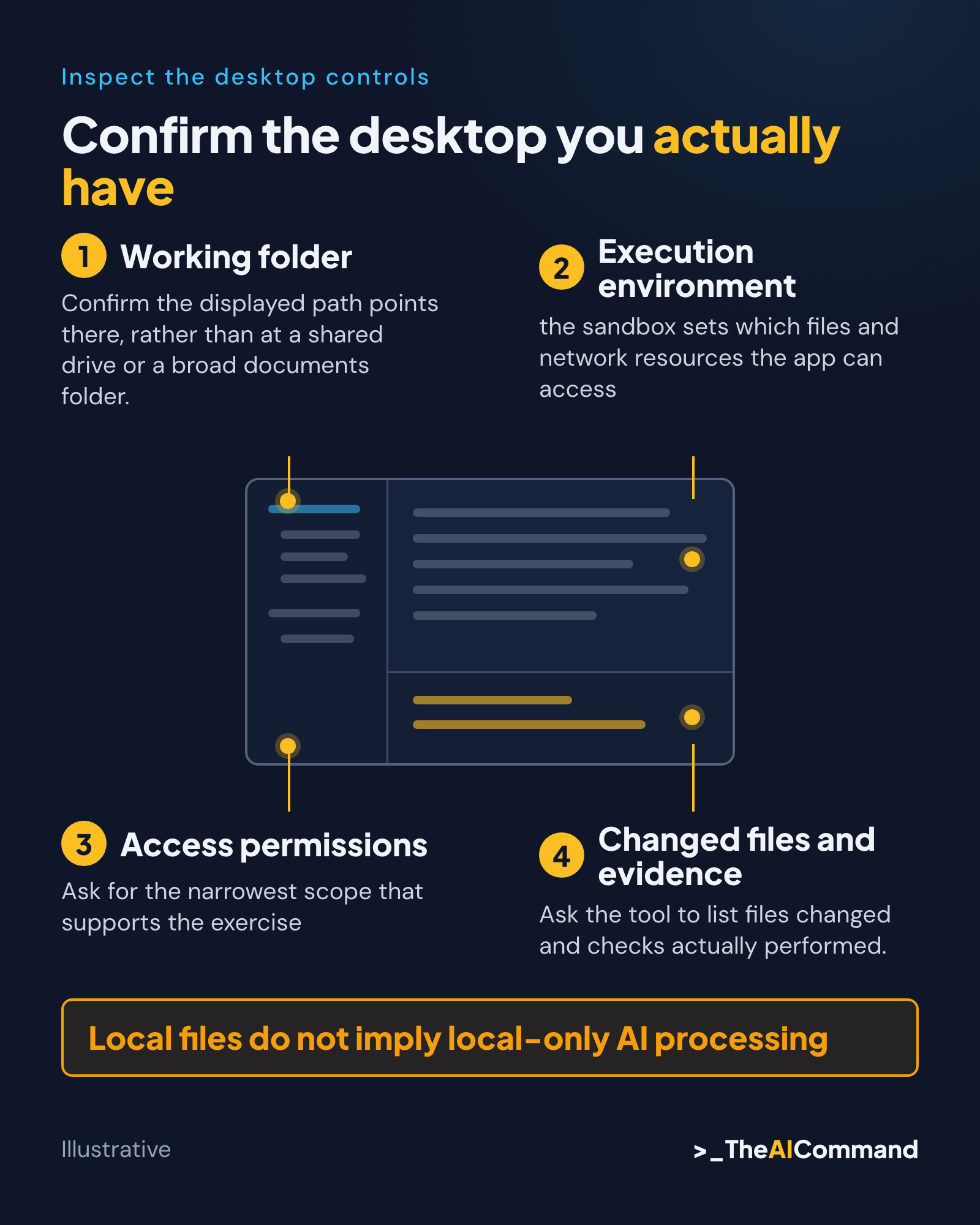
Confirm the desktop you actually have
Product names and menus change. The former Codex app documentation address now redirects to OpenAI's ChatGPT desktop app documentation, where Codex is one of two modes in the app. That page describes file work and projects in the desktop app. It lists downloads for macOS, Windows and Linux, with the Linux app in preview. Use the current official route and identify the Codex workspace on your installed version before following a screen-by-screen guide. OpenAI desktop documentation.
Record the app version, operating system, selected model and date in the exercise notes. Also check whether the account and organisation allow the feature you intend to use. A screenshot in an older article does not prove that a menu exists in your installation. If your layout differs, resolve that difference before granting additional access or changing the task.
Open an empty demonstration folder as the project's working location. Confirm the displayed path points there, rather than at a shared drive or a broad documents folder. Put only the synthetic inputs and the brief inside it. Ask Codex to identify what it can read and where it proposes to write before commissioning changes.
Review the available permissions with the person responsible for the device. Ask for the narrowest scope that supports the exercise, with additional access considered only when its purpose is clear. A written instruction to stay in a folder is useful, but it does not replace the application's access controls. OpenAI's permissions documentation describes two controls that work together: the sandbox sets which files and network resources the app can access, and approvals set when it pauses for review. OpenAI permissions.
Keep an especially important distinction visible: local files do not mean local AI processing. A local project can still provide content to a cloud model. Likewise, restricting a program's network access does not by itself describe every part of the AI service's processing. Use wholly invented data for this exercise and obtain organisation-specific approval before introducing real workplace material.
Give the builder records with deliberate gaps
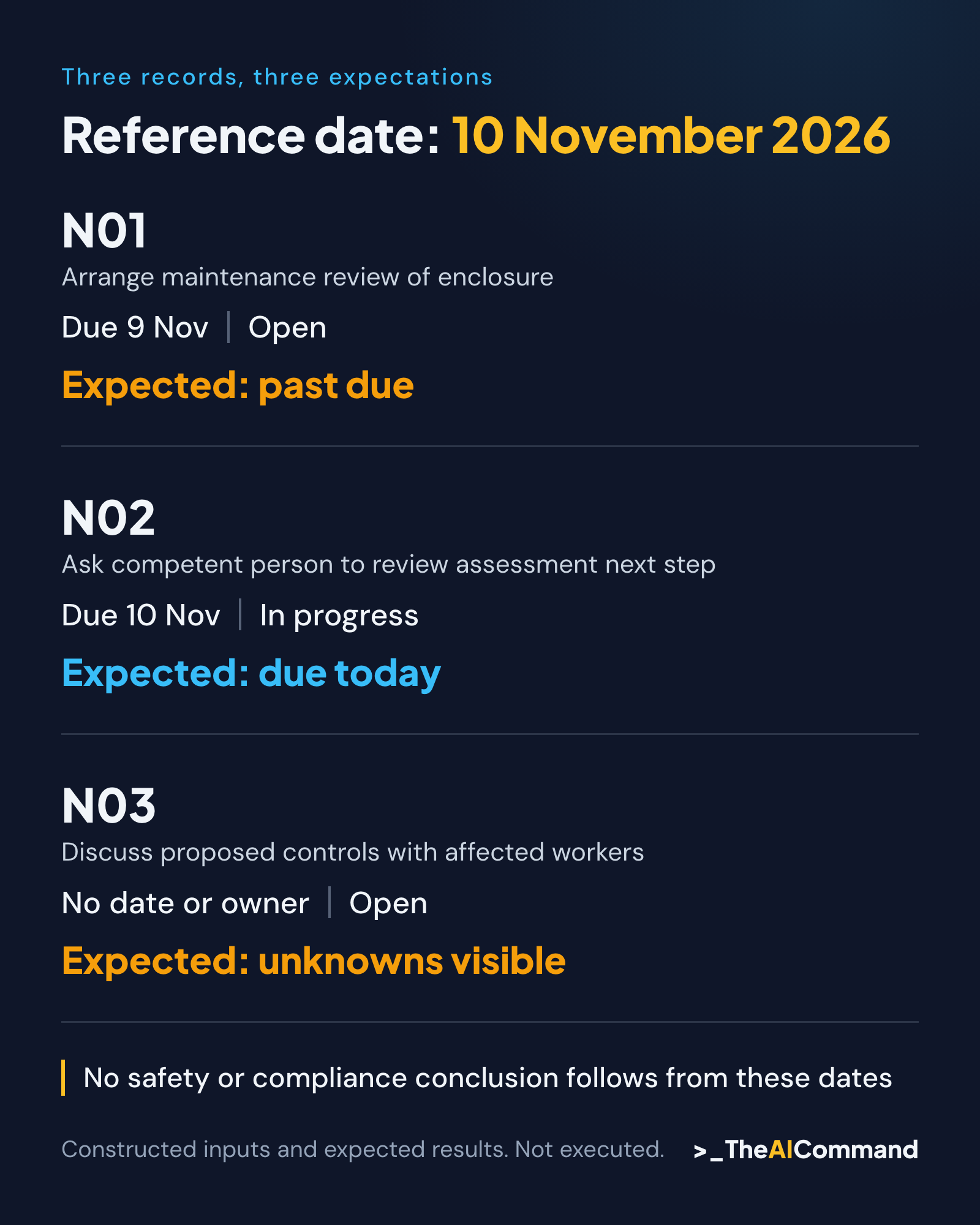
The sample contains three records so a reviewer can compare every field by eye. Each has a stable identifier, a report reference and the recommendation's original wording. Two contain a proposed owner role and due date. The third deliberately lacks both. Blank values are useful inputs because they reveal whether the application invents completion where information is missing.
Use ISO dates in the data, then specify how they appear to readers. The reference date for the exercise is 10 November 2026. A due date of 9 November is earlier; 10 November is today; a missing date is unknown. These are constructed scheduling examples, not statutory time limits. Ask the builder to display the reference date rather than quietly relying on the device clock.
Store recommendation wording separately from a person's follow-up note. Otherwise a helpful edit to the note can accidentally alter what the source recommended. A source reference such as "SYN-N01, item 2" is enough for this exercise because the synthetic source is supplied with the records. A real document-management system would need its own access and version arrangements.
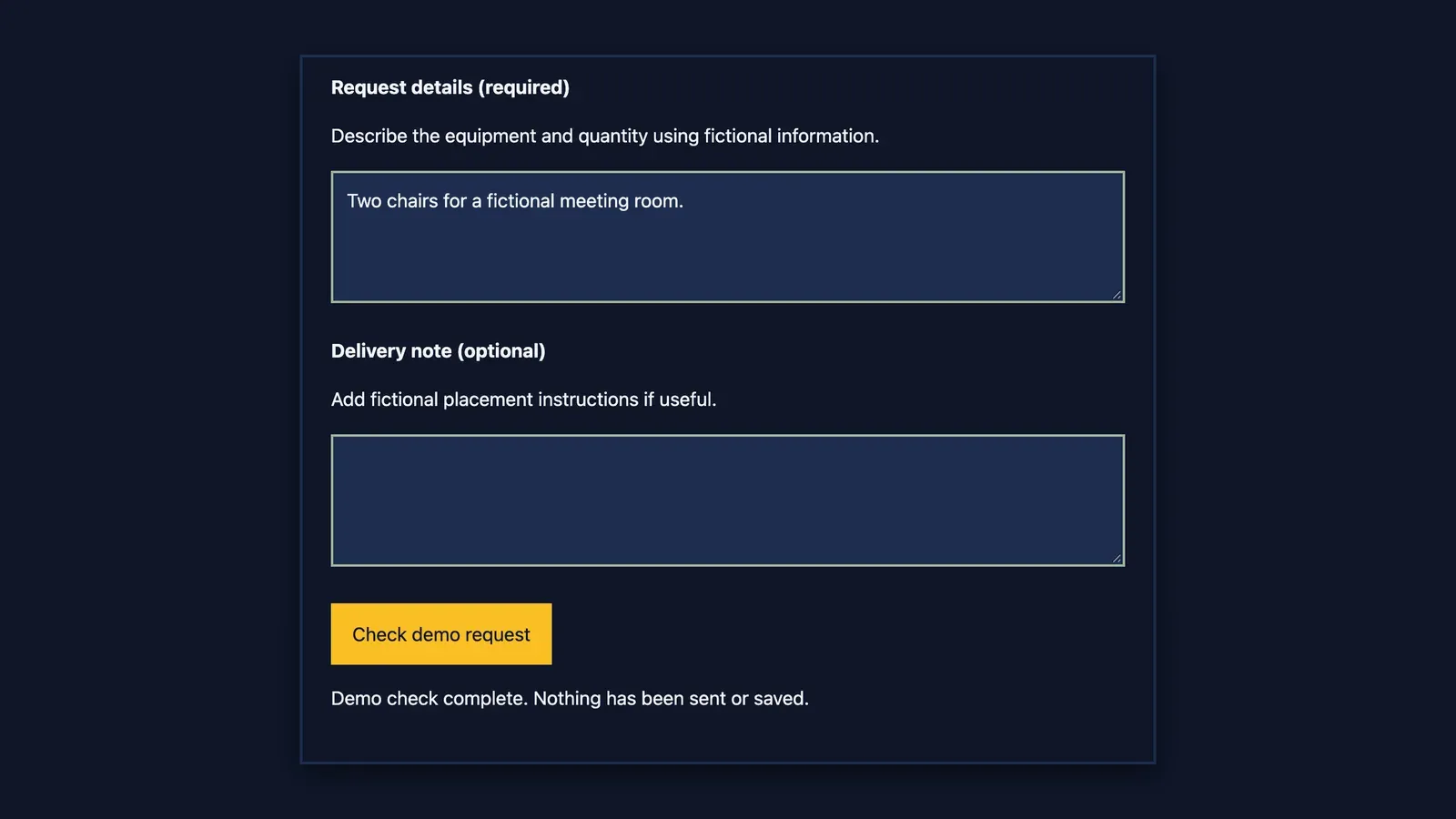
Decide how saving works before judging the result. For a first exercise, require an explicit export of the records and explain whether closing the page discards unsaved edits. Do not accept an ambiguous "Saved" label. If the later implementation adds persistent storage, that becomes a separate behaviour to test, including restart, recovery and the location of the saved data.
Constructed sample input
Ask for a proposal that can be inspected
The first instruction asks Codex to restate the task and identify proposed files, dependencies and checks. It does not ask for the finished application immediately. A useful proposal might describe one local page, a synthetic data file and a short verification record. If it instead proposes accounts, a server or a cloud database, reduce the design before authorising implementation.
Require an explanation of any command or package the proposal needs. A professional reader does not have to understand every line of code, but must understand what will run and what it can change. Do not approve an installation merely because a generated instruction includes it. For this exercise, prefer existing device capabilities and have a technical colleague resolve any genuinely necessary dependency.
Once the proposal matches the brief, commission one bounded implementation round. Require the original sample input to remain unchanged and put generated work in the agreed output location. Ask the tool to list files changed and checks actually performed. Its narrative is useful evidence about the process, but the artefact and test observations still need independent inspection.
Walk one recommendation through the result
Consider N01 on the constructed reference date. It has an assigned role, an earlier due date and an open status. The expected display is "Past due, open", with the original source reference visible. It must not say "Uncontrolled exposure" or "Unsafe workshop". Neither conclusion follows from the scheduling fields, regardless of how prominent a red badge looks.
Next, imagine changing N01 to "Ready for review" and adding the note "Maintenance record supplied for practitioner review". The expected behaviour is to preserve the recommendation and source reference while updating the administrative status. The example still does not authorise closure of the underlying safety issue. A human reviewer must decide what evidence is needed and what that evidence establishes.
N03 tests a different weakness. The application should make the missing owner and date visible. It must not copy the owner from N02, set today's date automatically or hide the record because a date comparison fails. The useful output is an exception someone can resolve. A complete-looking table with invented values is a failed result.
Finally, export the records and compare the exported text with the visible values. If N01 has the new note but the export contains the old note, the application has failed even if the screen looks correct. Check the identifiers, punctuation and source references as well as the number of rows. An export is often the part another person will actually use.
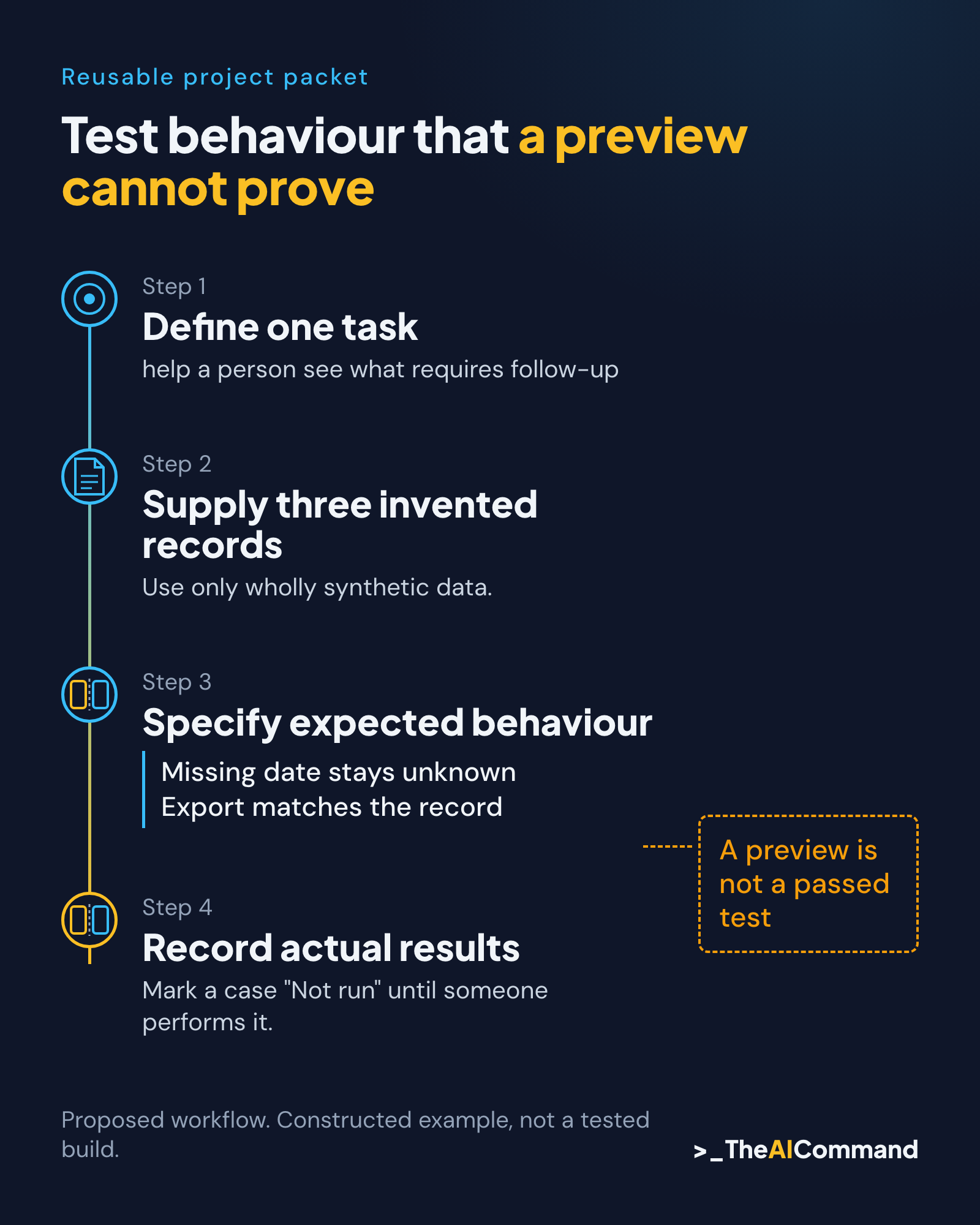
Test behaviour that a preview cannot prove
Write expected results before running the exercise. Start with normal input, then test missing values, a duplicate identifier and an invalid date. Specify that a duplicate must be flagged rather than silently merged. Specify that an invalid date must remain an error rather than being treated as overdue. These cases test whether the register preserves uncertainty.
Check the filter in both directions. Selecting "Open" should show N01 and N03 in the initial dataset; returning to all records should restore N02. Count the records before and after. Then change a status and repeat the filter. This catches a common class of defect where the screen updates one component but the filtering logic still uses the original data.
Include a simple keyboard and readability check. A reviewer must be able to reach the controls, understand their labels and distinguish an error without relying only on colour. This is a proposed usability check, not an accessibility certification. If someone cannot tell why a record needs attention, the software has failed its practical purpose even when its internal calculations are correct.
Keep actual observations separate from expected results. Record the application version or file version tested, the input, the action and the outcome. Mark a case "Not run" until someone performs it. A model-generated test summary or a polished screenshot cannot fill that gap. Failed cases remain visible with their correction and subsequent retest.
Treat contradictory fields as another acceptance case. Suppose a record says "Ready for review" but has no review evidence reference. Decide whether the demonstration allows that transition with a visible warning or prevents it. Either design can be examined, but leaving the rule unstated makes the tester guess what the builder intended. Write the chosen behaviour into the brief before commissioning the change.
Similarly, decide whether an owner is a role label or an assigned person. This exercise uses roles only and does not claim that the named function has accepted the task. A real workflow would need an assignment and acceptance process. Keeping that difference visible prevents a field populated by software from being mistaken for an agreed responsibility.
Test the exported file in the form another reviewer will receive it. Ask whether "Unknown" remains distinguishable from an empty string, whether notes containing commas remain intact, and whether the reference date travels with the export. These are useful cases because the screen and the exported record can disagree. Whoever runs the exercise records what actually happened rather than presuming the format is reliable.
Make the next run understandable
A successful first exercise leaves a small handover: the original brief, synthetic inputs, generated files and a verification record. Another person should be able to identify what the register does without reading the whole chat. They should also be able to see the limits, including any unsaved-state behaviour and every acceptance case still awaiting execution.
Resist adding reminders immediately after the screen starts working. Sending a message introduces recipients, timing, permissions and failure handling. Shared use introduces access control and concurrent edits. Each is a separate design decision. Preserve the working small example so later changes can be compared against known behaviour, with proportionate technical help when the risk increases.
For practitioners, the next action is to write three invented records and explain the correct result for each. For reviewers, the next action is to inspect one complete path from source recommendation to export. For technical colleagues, the next action is to help make those expectations observable. A first project becomes useful when its behaviour is clear enough to challenge.
Copyable first prompt
Optional CLI route
The desktop exercise does not require a terminal. OpenAI also documents Codex CLI for reading files, changing code and running tools from a project directory. Use the official installation instructions for your OS if an approved technical workflow needs it. Desktop menus and CLI commands are different interfaces; do not paste a desktop instruction into a shell. Codex CLI.
Reusable project packet
All inputs and expected outputs below are constructed. No application was built or tested for this pack. This is copyable material for your own exercise, not an implemented register.
Project brief
Purpose: make follow-up records easy to inspect without making safety decisions. Audience: a practitioner and a reviewer learning to commission software. Scope: one local demonstration page, three source-preserving records, status filtering and explicit export. Reference date: 2026-11-10. Dates are invented management dates, not statutory limits.
Keep original recommendations and source IDs unchanged. Separate notes from source text. Display unknown owners and dates. Flag duplicates and invalid dates. State exactly whether edits persist after closing. No notifications, authentication, database, packages, accounts, deployment or external writes. Local files are not a promise of local-only AI processing. Use only wholly synthetic data.
Copyable synthetic source report
Copyable dataset
Plan prompt
Proposed acceptance cases
A04 needs a pre-build decision: should absent review evidence prevent Ready for review or show a warning? Record the chosen rule. Do not mark A04 passed without it.
Verification record template
A technical pass is not safety assurance or approval to use the register with real records.
Related reading
Gold Standard Claude Workspace Setup provides background on organising reusable context across an AI workspace. Product specifics in older guides require current documentation checks.
For trying ChatGPT Work and Codex step by step with three practical examples, see Getting Started with ChatGPT Work: Practical Examples and a Codex Desktop Companion.
Also see What Needs to Happen After the Noise Report Arrives?, the companion article for 6 November.
References
- SafeWork NSW: controlling hazardous noise
- OpenAI desktop documentation
- OpenAI permissions
- OpenAI: Codex CLI
- OpenAI: ChatGPT desktop app on Linux (preview)
- OpenAI: Permissions reference
- Safe Work Australia: Model Code of Practice: Managing noise and preventing hearing loss at work
General information only. Not legal, compliance, financial, or professional advice.
TheAICommand. Intelligence, At Your Command.