
A pile of PDFs on your desk this week is not a corpus. It is a deadline.
Drop forty of them into an assistant and a brief comes back in minutes. It will read well. Whether it read the documents is a separate question, and nothing in the output answers it. Extraction fails quietly. No error, no warning, no missing-page notice. Text that never came out of the file is simply absent, and the sentences close over the gap.
Before reading this. It helps to know how a retrieval system reads your documents and when a workflow should graduate from a raw chat into a Project, though neither is essential. This article sits underneath both, where text either comes out of the file or does not.
After reading this article, you will be able to. Test whether each PDF in a pile extracted before any of it reaches a brief, name the four ways extraction breaks and the check that catches each one, and write a brief in which every claim carries a file name and a page number.
What does a PDF actually give the model?
Less than you think, and by design. The W3C's technology notes for PDF put the guarantee plainly: PDF files specify the appearance of pages in a document in a reliable, device-independent manner. Appearance is the promise. Meaning is optional, carried in a separate layer the file may or may not have, which W3C describes as the ability to determine the logical order of content independently of its appearance or layout, through logical structure and Tagged PDF.
That leaves three kinds of file in any real pile.
Born-digital with a text layer. Exported from a word processor, a case management system or a reporting tool. The characters are in the file, so extraction usually works and the failures are about order, not presence.
A scan. Someone put paper on a glass plate. W3C states the consequence without hedging: A document that consists of scanned images of text is inherently inaccessible because the content of the document is images, not searchable text. Nothing can read it until optical character recognition writes text back into it.
The hybrid. Mostly text, with the one thing you need drawn as a picture. This is the dangerous category, because the file passes every casual test. You select paragraphs, search finds words, the assistant summarises it fluently. The exhibit, the table, the signed page: gone, with no signal anything is missing.
Container limits matter here too. In the Claude product, as at 26 September 2026, PDFs of 100 pages or fewer are analysed for text and visual elements, 101 to 1,000 pages are processed for text only, and anything over 1,000 pages is refused. Read the middle band. A 300-page scanned bundle does not fail. It loses its visual layer, which for a scan is the whole content, and returns almost nothing while reporting nothing.
The four ways a pile breaks quietly
One: no text layer. The whole file is images. Easiest to detect, most expensive to fix. W3C lists performing OCR on a scanned document as its own technique, and the caveat sits inside it: recognition depends on resolution and clarity, and Acrobat marks text it is unsure of as an OCR suspect. An OCR pass gives you a draft, not the document.
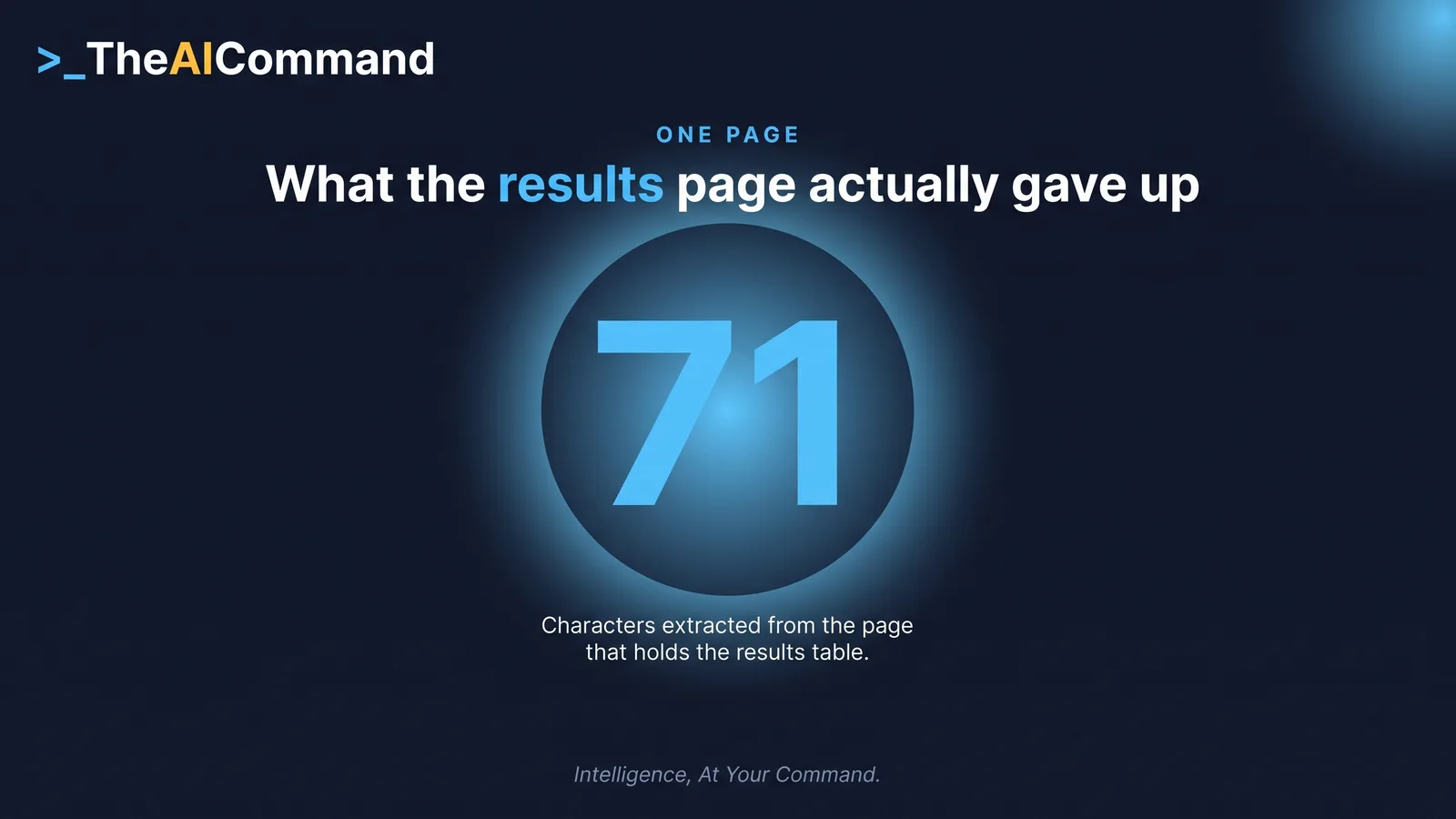
Two: the picture inside the good document. Reproduce this one yourself. Google DeepMind publishes its Gemini 3.8 Flash evaluation note as a four-page PDF. Extract it page by page and the character counts are 68, 2,550, 1,967 and 71. Pages 2 and 3 carry the full methodology, including which competitor scores were self-computed and which came off a public leaderboard. Page 4 gives you 71 characters: the word Results, one sentence saying the results are below, and the page number. The results are a single image, 1,671 by 2,048 pixels, and every score in that table sits inside it as pixels rather than text.
Hand that file to an assistant and ask what the model scored. The methodology is right there, so the answer will sound informed, and the numbers are not in the extracted text. Whether you are told that depends on the model, the prompt and luck, which is not a control.
Three: reading order. Extraction returns text in a sequence, and the sequence is a guess. The manual for pdftotext, the extractor shipped in poppler-utils, describes its layout option as maintaining (as best as possible) the original physical layout, and its default as undoing physical layout and outputting text in reading order. Both are reconstructions. The same manual documents a column-spacing threshold deciding when adjacent text becomes a new column, and records the default changing from 0.3 to 0.7 in a later release, so two versions of one tool can split the same two-column page differently.
Four: tables. A table in an untagged PDF is not a table. It is text positioned to look like one, and extraction flattens it into cells whose row and column relationships must be inferred. W3C maintains a dedicated technique just for repairing mistagged tables. This is the nastiest of the four: a figure survives but attaches to the wrong row, so the brief carries a real number against the wrong thing.
How do you prove the extraction worked?
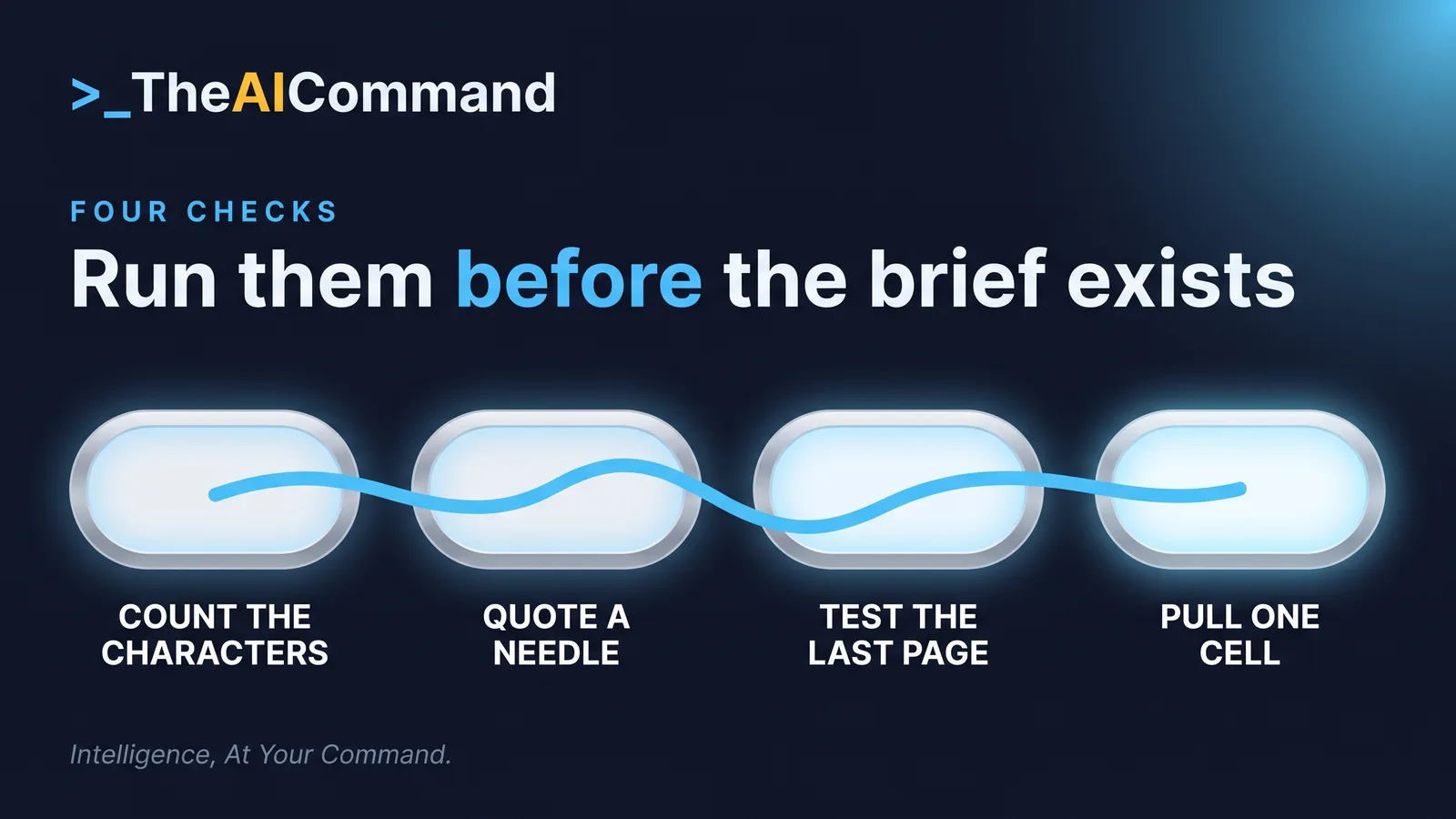
Four checks. The first covers the whole pile in one pass. The other three run on the documents carrying the claims.
Count characters per page. This is the whole game and it costs one command. Extract each page separately and look at the count. Any page that visibly carries prose and returns a couple of hundred characters or fewer is an image. Poppler's pdftotext does this from a terminal, and most document tools show a per-page preview that reveals the same thing more slowly. You are not reading the output. You are looking for the pages that returned nothing.
Run the needle test. Pick something you can see with your own eyes, deep in the document, ideally a number inside a table on page 40 rather than a heading on page 1. Ask the assistant to quote it back and name the page. A wrong number means extraction mangled the table. An invented number means the model is filling a gap. A refusal is the best of the three, because the tool is naming what it cannot see.
Test the last page. A ceiling takes the end of a file, not the middle, so a truncated document looks complete until you ask what the final page says.
Test one table. Ask for a specific cell by row and column label, not for a summary. Summaries hide misalignment. A single cell exposes it.
The instruction that earns its place is the last one. A workflow that never offers the model a way to say UNAVAILABLE has designed its own failure signal out.
Page-level provenance, or the brief is unusable
A brief that says a supplier contract capped liability at a certain figure is an assertion. One that names the file and cites page 47 is evidence, checkable by opening the page. The first has to be re-derived from scratch, which nobody does under time pressure.
Build the brief as rows, not prose, and give every row five fields: the claim, the source file, the page, the verbatim span it rests on, and a status. The span makes the row auditable, because it is what a reviewer compares against the page. The status makes the brief honest, because it gives a claim somewhere to sit other than confirmed. Three values are enough: verified, needs a human to open the file, and not found in the pile.
Shape is the one thing you can enforce cheaply. Structured outputs guarantee the page field exists and holds a number. They cannot guarantee the number is right, which is why the span sits beside it. Format reliability and factual reliability are separate controls.
File-level citation feels close enough and is not. On a 300-page bundle it leaves the hard half of the work undone, so the check never happens. The same argument runs through tracing the decision rather than the tokens: a log of what the tool produced is worth less than a record of what the claim rests on.
TheAICommand works to the Verified Draft Method: de-identify the inputs, ground the model in your own source material, keep a person at the decision point, verify against the primary source, and log what happened. Here the primary source is a specific page, so the page number is the verification step.
What if the pile does not fit?
Split it deliberately, rather than discovering the ceiling halfway through. As at 26 September 2026, a ChatGPT project holds 5 files on Free, 25 on Go and Plus, and 40 on Pro, Business, Enterprise and Edu. Forty is the ceiling even at the top tier, so eighty PDFs is two projects and a decision about how to divide them.
Claude projects behave differently. Anthropic documents that on paid plans project knowledge scales through retrieval augmented generation. Once that happens the failure mode changes underneath you: chunks are retrieved instead of everything being in view, so the model stops missing nothing and starts missing what it did not retrieve. Nothing on screen announces the switch, so the gap reads as a model failure rather than a retrieval boundary.
Gemini Notebook, formerly NotebookLM, takes very large sources, up to 500,000 words per source and 200 MB per upload as at 26 September 2026, which suits a consolidated bundle. Two governance facts travel with it. Google states that an organisation's file sharing and data region settings do not apply to data in Gemini Notebook, so a Workspace residency configuration does not reach it. Google also states the data is not retained after the session ends, a strength for a one-off pile and a problem if you wanted the notebook next month. Microsoft says Copilot Chat is primarily web grounded, and outside supported experiences such as Outlook its organisational grounding is limited to content explicitly provided, so a pile reaches it only as files you put in front of it.
One boundary, stated plainly. This is a pile that landed this week and will be gone next month. If the same pile keeps arriving, stop solving it a pile at a time: the knowledge spine covers the corpus version, with owners, retrieval boundaries and a review cadence. Extraction discipline is the same either way. The container is not.
Try this
Take the five most important PDFs in your pile, extract each page by page, and write down the character count per page. Open the pages that returned almost nothing. Then ask your assistant to quote one figure from one of them, with its page number.
Where to go next
- RAG Explained for Non-Engineers: How AI Reads Your Documents
- Build the Knowledge Spine That Stops Generic AI Output
- Structured Outputs: Get the Same Shape Every Time
- Build a Golden Test Set Before You Trust an AI Workflow
Bottom line
A brief built on a pile of PDFs fails in one of two ways: loudly, because the tool refused the file, or quietly, because a page returned nothing and the prose closed over the gap. Only the second reaches a reader. Count the characters each page gave up, quote a needle back with its page number, and carry a file and page against every claim. Verify the extraction before you trust the summary, because a fluent brief is not evidence that anything was read.
Do this Monday
- Extract every PDF in your pile page by page and record the character count for each page.
- Open every page that returned almost nothing and decide whether the content you need is an image.
- Run the needle test on one figure deep inside each of your three most important documents.
- Rebuild the brief as rows carrying a claim, a file, a page, a verbatim span and a status.
- Check the file limit of your project or notebook before assuming the pile fits in one.
References
- W3C, PDF Techniques for WCAG 2.0. https://www.w3.org/TR/WCAG20-TECHS/pdf.html
- W3C, PDF7: Performing OCR on a scanned PDF document to provide actual text. https://www.w3.org/WAI/WCAG22/Techniques/pdf/PDF7
- Debian Manpages, pdftotext(1), poppler-utils. https://manpages.debian.org/bookworm/poppler-utils/pdftotext.1.en.html
- Google DeepMind, Gemini 3.8 Flash model evaluation. https://storage.googleapis.com/deepmind-media/gemini/gemini_3-8_flash_model_evaluation.pdf
- Anthropic, Upload files to Claude. https://support.claude.com/en/articles/8241126-upload-files-to-claude
- Anthropic, What are projects. https://support.claude.com/en/articles/9517075-what-are-projects
- OpenAI, Projects in ChatGPT. https://help.openai.com/en/articles/10169521-projects-in-chatgpt
- Google, Gemini Notebook Help, frequently asked questions. https://support.google.com/gemininotebook/answer/16269187
- Google, Generative AI in Google Workspace Privacy Hub. https://knowledge.workspace.google.com/admin/gemini/generative-ai-in-google-workspace-privacy-hub
- Microsoft Learn, Overview of Microsoft Copilot Chat. https://learn.microsoft.com/en-us/copilot/overview
TheAICommand. Intelligence, At Your Command.