
The model that fits on your laptop is not the model at the top of the leaderboard.
Before reading this. You can install software on your own machine, you know roughly what a model parameter is, and you have read Privacy-Safe AI for Regulated Work. This is the advanced end of the learning hub.
After reading this article, you will be able to. Calculate whether an open-weight model fits the memory you have, design a test that measures what quantisation costs on your own work, and check both the model licence and the runtime licence before anything sensitive goes near either.
Two pieces here cover the neighbouring ground, so name the boundary first. On-Device AI at Work covers models the vendor shipped inside the device. Small Models, Edge AI and the Next Governance Blind Spot is the governance case for models embedded in software you bought. Neither is this. This is a model you chose, downloaded and installed yourself, which makes you the deployer and puts the hardware, the licence and the verification on you.
What actually constrains a model on a work laptop?
Memory, not the processor. Everything else follows from that.
The published floors are modest. As at 26 September 2026, LM Studio asks for Apple Silicon and "16GB+ RAM recommended" on macOS, adding that 8GB Macs may still work but "stick to smaller models and modest context sizes". On Windows the recommendations are "At least 16GB of RAM" and "at least 4GB of dedicated VRAM".
Those are application requirements. The model question decides everything else. A model's weights occupy its parameter count multiplied by its bits per weight, divided by eight, in bytes. Unquantised weights ship at 16 bits, so a 27 billion parameter model is about 54 GB of weights. No corporate laptop issued in the last five years holds that.
Quantisation closes the gap, and the Hugging Face documentation for the GGUF format publishes the exact figures. Q5_K stores weights at 5.5 bits per weight, Q4_K at 4.5, Q2_K at 2.625, and the most aggressive community builds run down to 1.56 on IQ1_S.
Run that same 27 billion parameter model down the ladder. At 4.5 bits it is about 15.2 GB. At 2.625 bits it is about 8.9 GB.
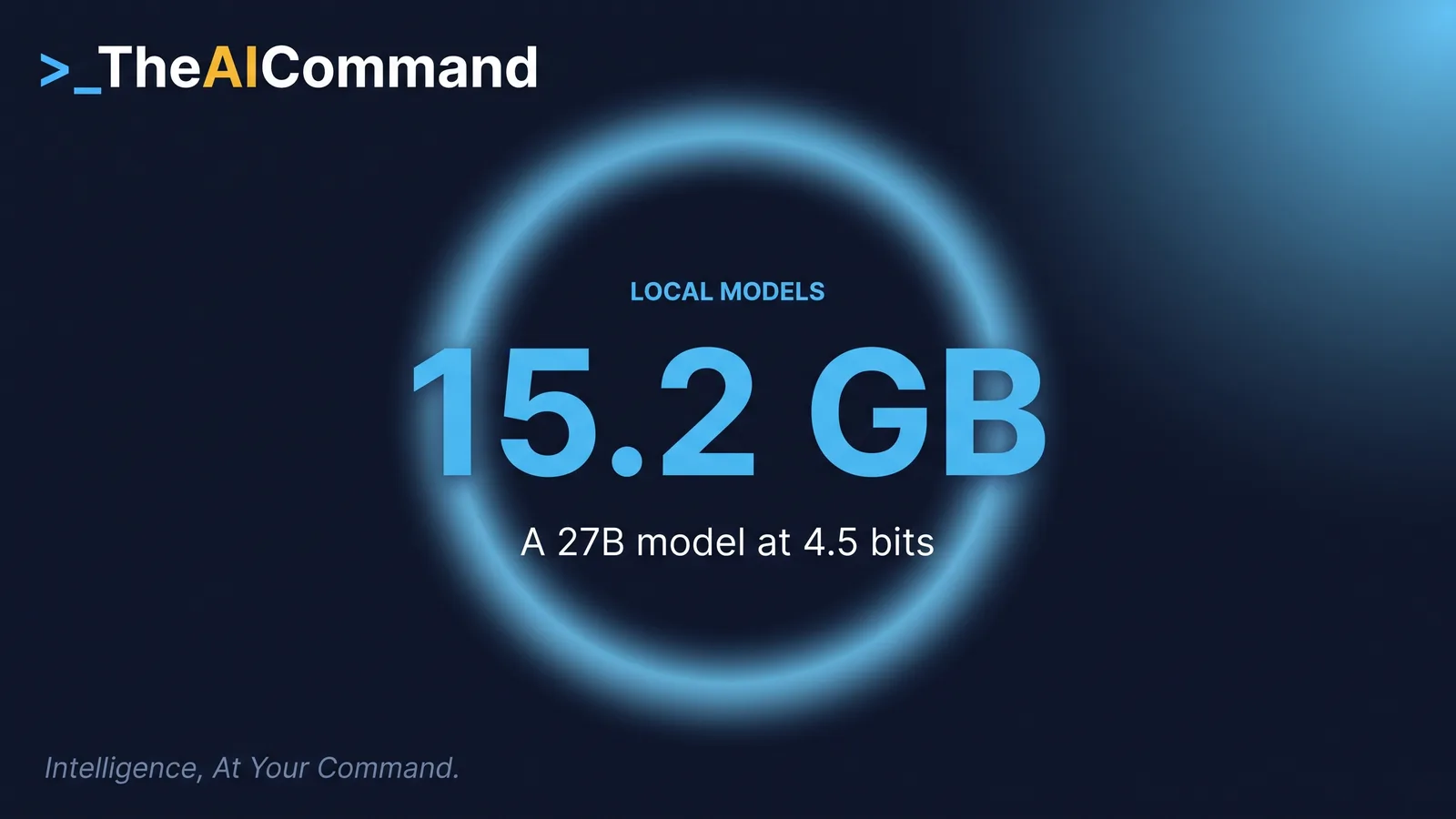
Now put 15.2 GB against a 16 GB laptop. The weights alone take almost the whole machine, and the weights are the floor, not the total.
The second bill is context, and almost nobody budgets for it. Ollama's documentation is plain about it: "Setting a larger context length will increase the amount of memory required to run a model." As at 26 September 2026 it sets the default by video memory: under 24 GiB of VRAM the default is 4k, from 24 GiB it is 32k, and from 48 GiB it is 256k. A standard corporate laptop sits in the first band, so the model you just installed is thinking with about 4,000 tokens, roughly 3,000 words, whatever the card advertises. Paste a long document into that, watch it lose the beginning, and blame the model.
One command settles both questions. Run ollama ps and read the PROCESSOR column, which reports 100% GPU, 100% CPU, or a split such as 48%/52% CPU/GPU. Anything short of full GPU means part of the model spilled into system memory, which works and is slow. The same output shows the context actually allocated.
The honest band on a 16 GB machine is a seven to fourteen billion parameter model at roughly four bits, about 4 to 8 GB of weights, leaving room for context and an operating system. A 27 billion parameter model wants 32 GB or more.
What does quantisation cost you?
Two very different things get called quantisation, and conflating them is the most common error here.
The first is a build the lab made itself. Alibaba publishes Qwen/Qwen3.8-27B-FP8 beside the unquantised checkpoint under the same Apache 2.0 licence, and its card describes the eight-bit method as "fine-grained fp8 quantization with block size of 128, and its performance metrics are nearly identical to those of the original model". Hugging Face recorded 5,509,853 downloads of that build against 6,652,309 for the original on 26 September 2026, so the quantised artefact is in heavy use beside it.
The second kind is what you will actually download. Alibaba's own lowest published build of Qwen3.8-27B is that eight-bit one. The four-bit and lower builds that fit a laptop are made by third parties from the released weights.
Here is the part the guides skip. No lab publishes a quality figure for a community four-bit build measured on your task. That number does not exist. Every claim you read about a particular quantisation being good enough is someone else's judgement about someone else's work.
So measure it. Take twenty real examples, run them through the local model and through whatever you use now, and compare. That is the discipline in Build a Golden Test Set Before You Trust an AI Workflow, applied to a new question.
Twenty examples gives you your own answer, at the quantisation level you actually installed. Nothing else will.
The capability you can actually expect
Do not read a leaderboard result and assume it describes the file on your disk.
On the Artificial Analysis Intelligence Index, as at 26 September 2026, GLM-5.3 scores 45 and Kimi K3 44 at max effort, three and four points behind GPT-6 Sol at max on 48 and eight and nine behind Claude Fable 5.1 at max on 53. That is close, and it comes from one independent evaluator running one method across every vendor, not from the labs.
Then look at what those two models are. Kimi K3 is a 2.8 trillion parameter model. GLM-5.3 ships as 141 weight shards, and even its smaller sibling GLM-5.3-Flash ships as 62. Neither goes on a laptop, and no quantisation changes that.
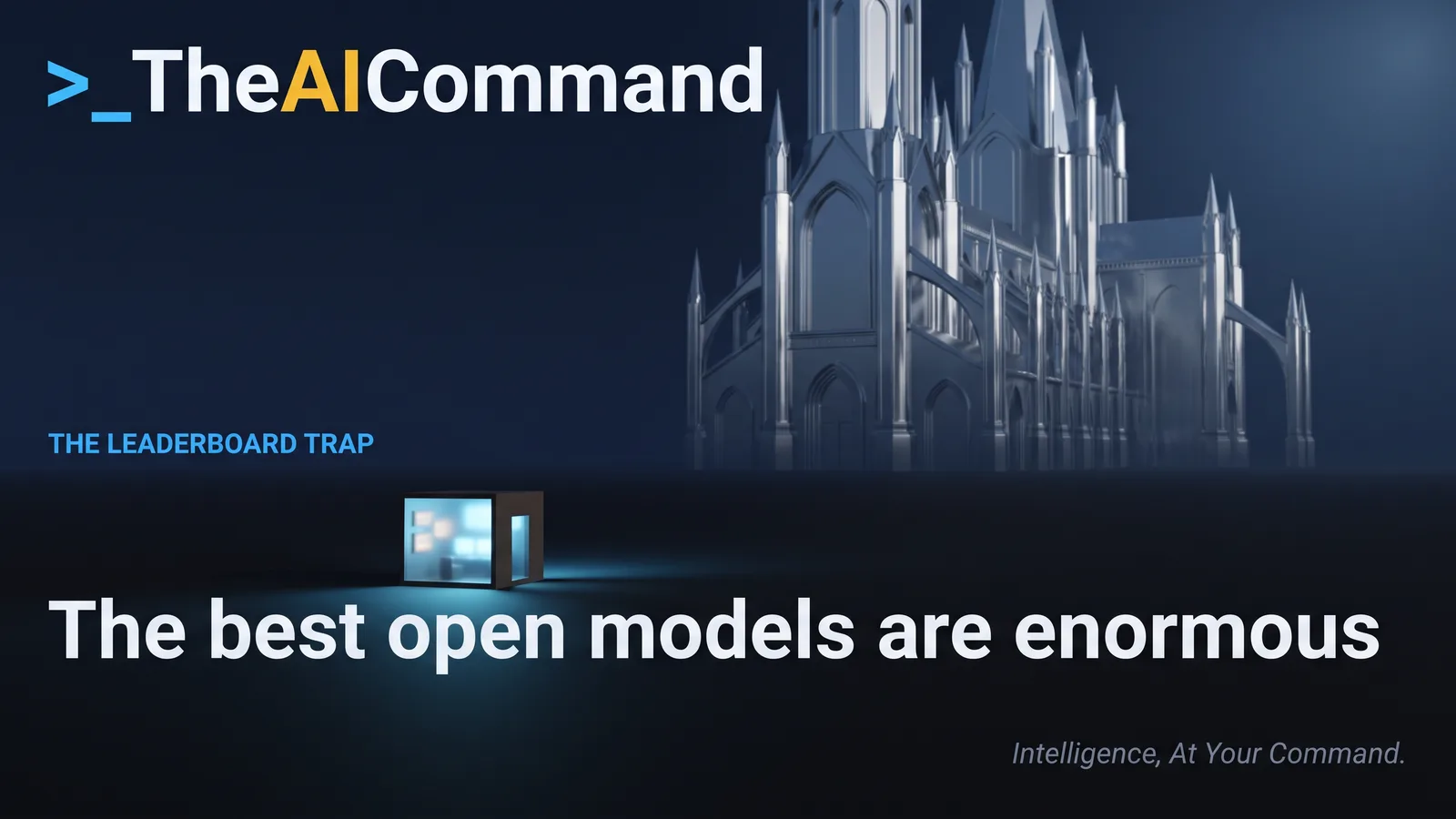
The checkpoint you can actually run is nowhere in that top 25. Alibaba's own comparison puts Qwen3.8-27B at 79.5 on IFBench against Claude Opus 4.6 Max at 62.5, a real instruction-following result published by the lab that built the model, on a narrow measure.
So set the expectation honestly. For classification, extraction, reformatting, redaction rehearsal and short drafting on material that must not leave the machine, a seven to fourteen billion parameter model at four bits is genuinely useful. For sustained reasoning across a document set it is not the frontier, and treating it as though it were costs more in review than it saved in transit. It holds one advantage the frontier cannot match: a checkpoint on your disk has no retirement date, the exposure in Every Model You Rely On Has a Retirement Date. Ollama says as much of its own cloud retirements: "Downloaded local models are not affected."
The licence question, and why the flagship is usually the problem
There are two licences here and they are separate documents.
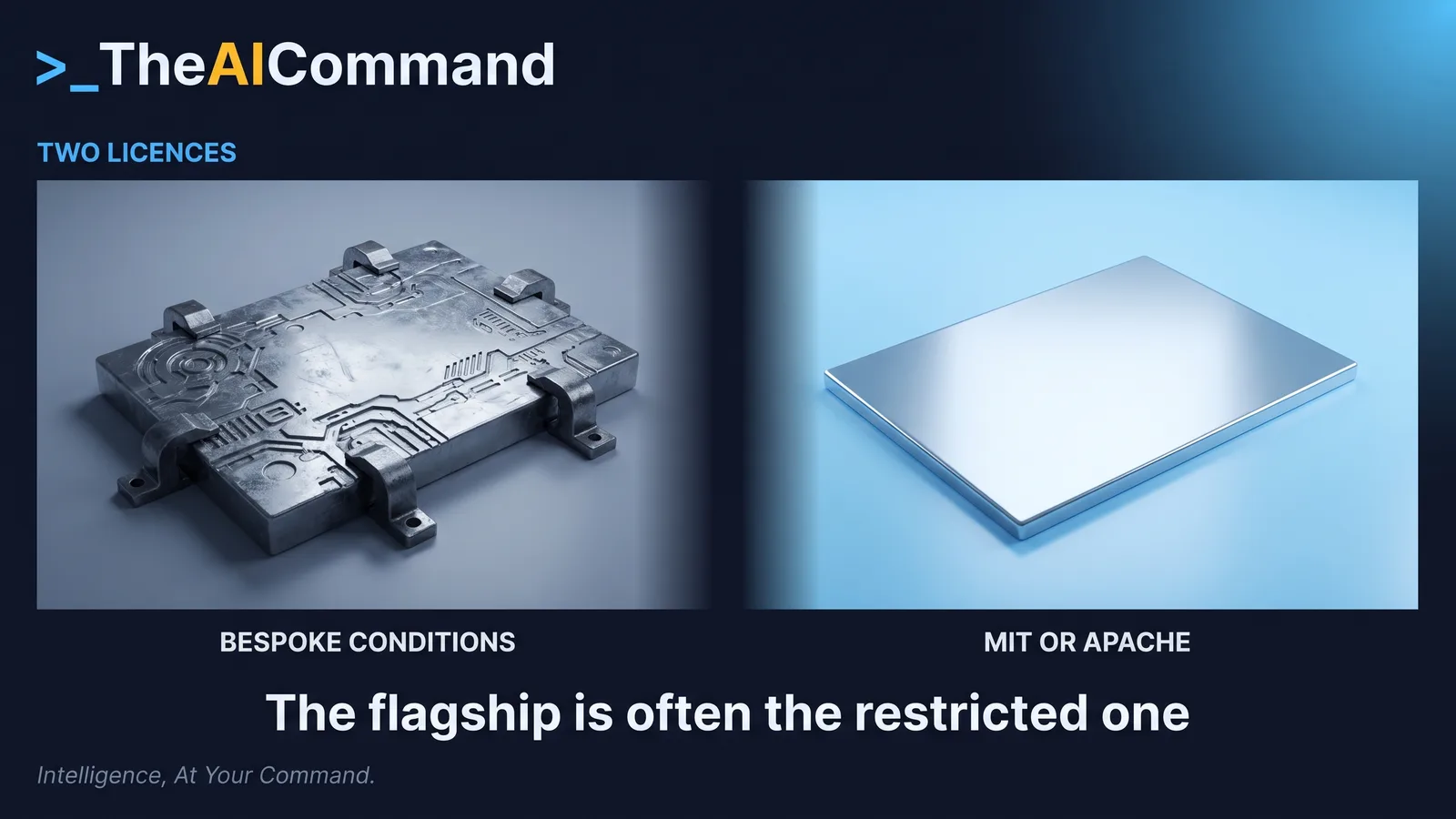
The first is the model licence. Open weights is not open source, and the terms differ sharply inside a single lab's range. Every DeepSeek V4 checkpoint is MIT and Qwen3.8-27B is Apache 2.0, while Kimi K3, the GLM-5.3 flagship and two further Qwen checkpoints each carry different bespoke terms, all as recorded against the Hugging Face API on 26 September 2026.
The pattern runs the opposite way to the assumption. Within one family the flagship is often the restricted model and the smaller sibling the permissive one. GLM-5.3 is the clearest case: the flagship carries a bespoke licence while GLM-5.3-Flash is MIT. So the model small enough to interest you frequently has the cleaner terms.
The second is the runtime licence, and it is the one nobody reads. LM Studio's terms of service grant "a non-exclusive, non-transferable license to use the Software solely for Your personal and / or internal business purposes", and separately prohibit any move to "sublicense, distribute, sell, use for service bureau use, as an application service provider, or a software-as-a-service". Internal business use sits inside that grant. Wrapping it and selling it on does not. Ollama publishes its own repository under the MIT licence. Both checked 26 September 2026.
Neither licence answers your employer's question, which is a third one: whether an unmanaged inference runtime is permitted on a managed device at all. Installed quietly, a local model is exactly the pattern in Shadow AI Is Already Changing the Work. Ask first. The privacy argument for running locally is a good one and it does not survive being made in secret.
How do you prove it is running locally?
The most expensive assumption in this exercise is that a local tool is local.
Ollama's documentation is direct about it. Its cloud page offers to "Run models in Ollama's cloud from your apps or terminal", the same app and command line you installed for local work. Running one needs an account and an ollama signin, and the tag carries a cloud suffix, as in gemma4:cloud. There is a second tell, because cloud models "are set to their maximum context length by default" while a local model on a laptop defaults to 4k. A context that suddenly became enormous is not local.
Ollama's own position is that it does not see prompts run locally, and that for cloud models it processes them but does "not store or log that content and never train on it". Treat that as a vendor statement, then remove the need to rely on it.
There is a documented switch. Set disable_ollama_cloud to true in ~/.ollama/server.json, or set OLLAMA_NO_CLOUD=1, restart, and the logs report Ollama cloud disabled: true. That also disables web search, another route off the machine and an easy one to forget. LM Studio, separately, states it "can operate entirely offline, just make sure to get some model files first."
Then verify rather than trust. Disconnect the network and run your real task. If it answers, it is local. If it fails, it was not, and everything you sent before that moment went somewhere. Do that on install day and after any update that changes the model list. A runtime that gained a cloud path in a version bump will not announce it.
Try this
Pick one task you currently send to a cloud assistant and would rather not. Calculate the memory a candidate model needs, install a runtime, download a four-bit build that fits, and raise the context deliberately rather than accepting the default. Run twenty real examples through both tools, then disconnect the network and run one more. An hour tells you whether local inference solves your problem.
Where to go next
- Privacy-Safe AI for Regulated Work
- Build a Golden Test Set Before You Trust an AI Workflow
- Small Models, Edge AI and the Next Governance Blind Spot
- The Strongest Open Model Is Now Chinese. Mind Where Your Data Goes.
Bottom line
Running a model locally is a memory calculation before it is anything else, and the calculation is unforgiving: parameters multiplied by bits per weight, divided by eight, with the operating system and a context window paid out of the same pool. Quantisation makes it possible and its cost is unpublished, so the only honest quality figure is one you measure on your own work. The open models topping the leaderboards are enormous, so the artefact you can run is a smaller thing that stays useful inside its band. Read the model licence, read the runtime licence, ask your employer the third question, and close the cloud path rather than assuming it is shut. Do the arithmetic before the download.
Do this Monday
- Multiply your candidate model's parameter count by its bits per weight, divide by eight, and compare that against your free memory before downloading anything.
- Run the runtime's status command after loading a model and confirm the processor split and the context actually allocated.
- Open the model's licence file and record whether it is MIT, Apache 2.0 or bespoke, because the flagship and the smaller sibling often differ.
- Read the runtime's terms of service and confirm your intended use sits inside the grant, particularly if anything you build reaches people outside the business.
- Ask whoever owns endpoint policy whether an inference runtime is permitted on your managed device, in writing, before you install it.
References
- LM Studio. System Requirements. https://lmstudio.ai/docs/app/system-requirements
- LM Studio. Terms of Service. https://lmstudio.ai/terms
- Ollama. Cloud. https://docs.ollama.com/cloud
- Ollama. Context length. https://docs.ollama.com/context-length
- Ollama. FAQ. https://docs.ollama.com/faq
- Hugging Face. GGUF. https://huggingface.co/docs/hub/en/gguf
- Alibaba. Qwen3.8-27B-FP8 model card. https://huggingface.co/Qwen/Qwen3.8-27B-FP8
- Moonshot AI. Kimi K3 model card. https://huggingface.co/moonshotai/Kimi-K3
- Z.ai. GLM-5.3-Flash model card. https://huggingface.co/zai-org/GLM-5.3-Flash
- Artificial Analysis. Models leaderboard. https://artificialanalysis.ai/leaderboards/models
TheAICommand. Intelligence, At Your Command.